Application
BUILD
1 tutorial
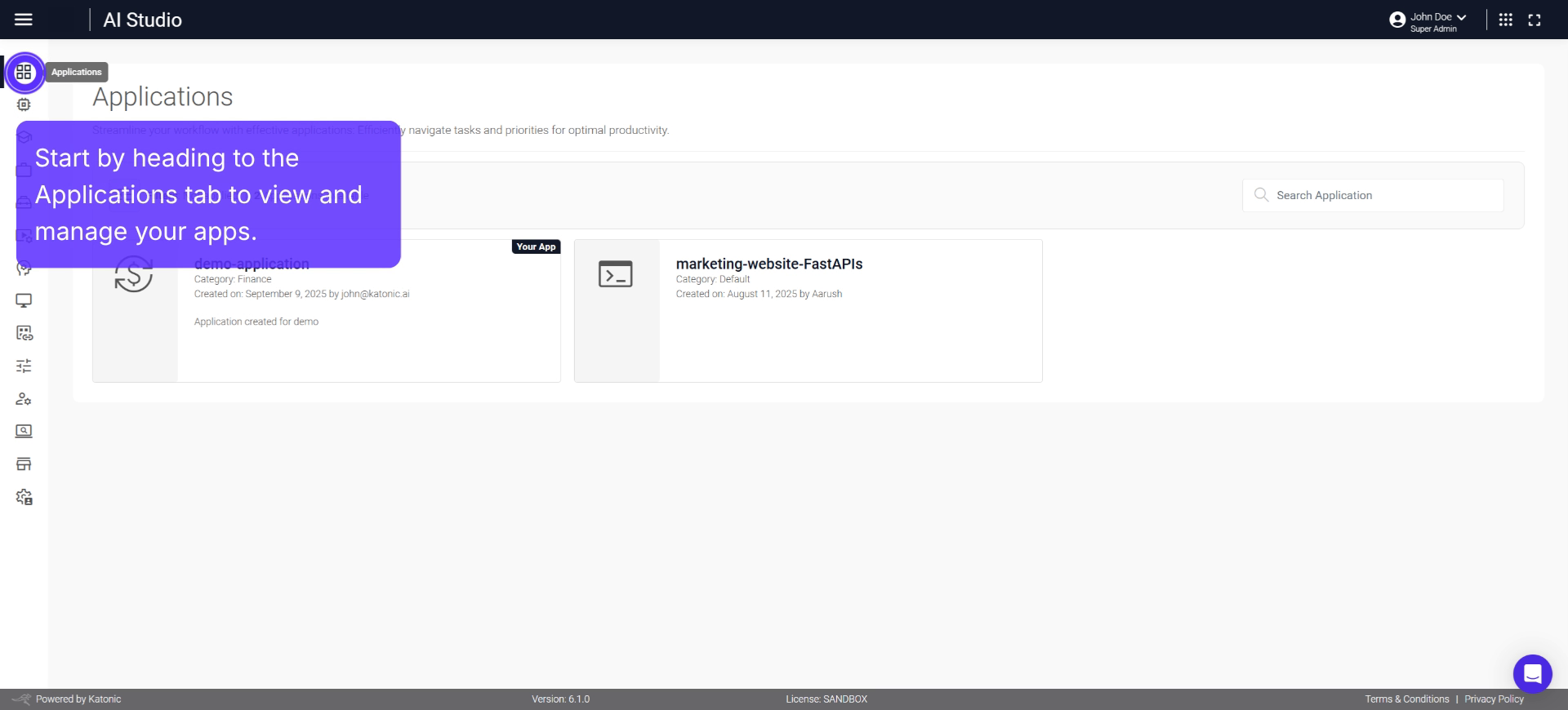
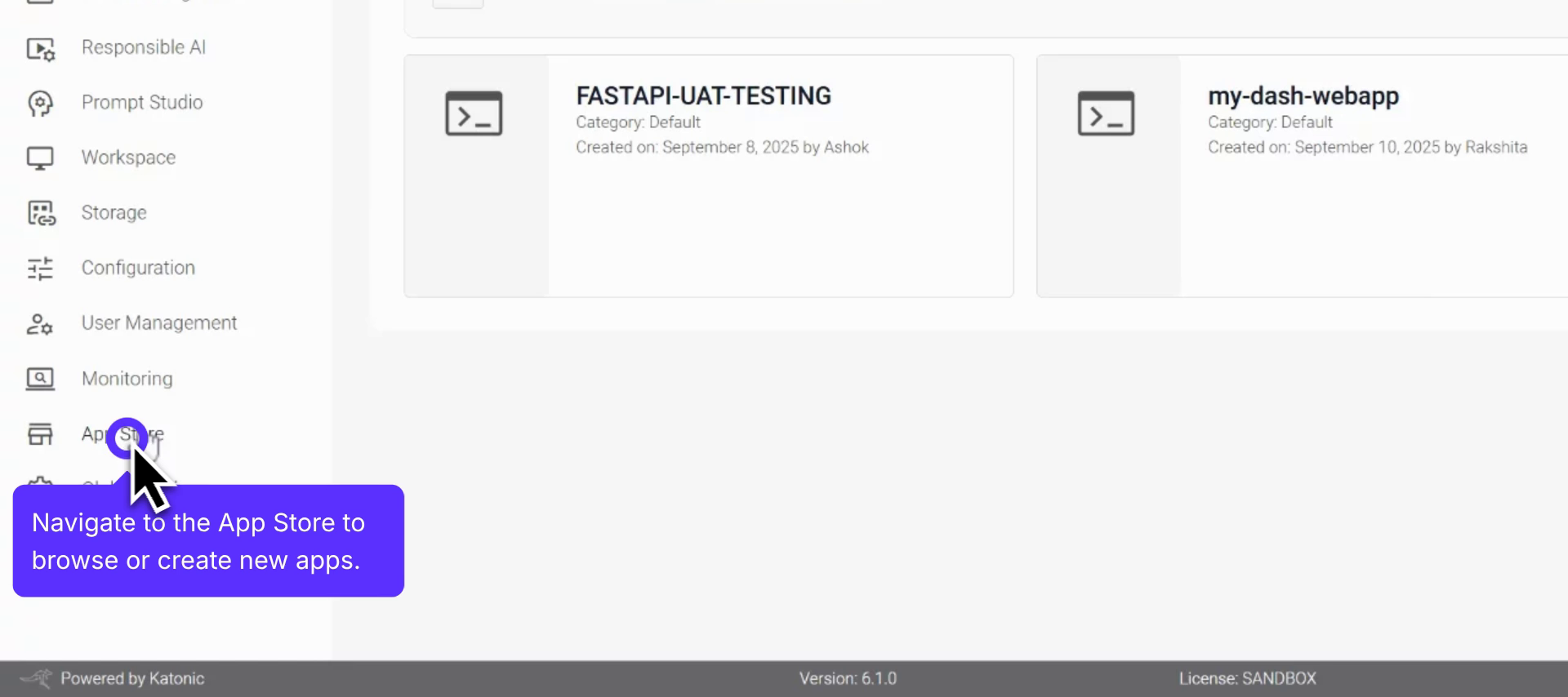
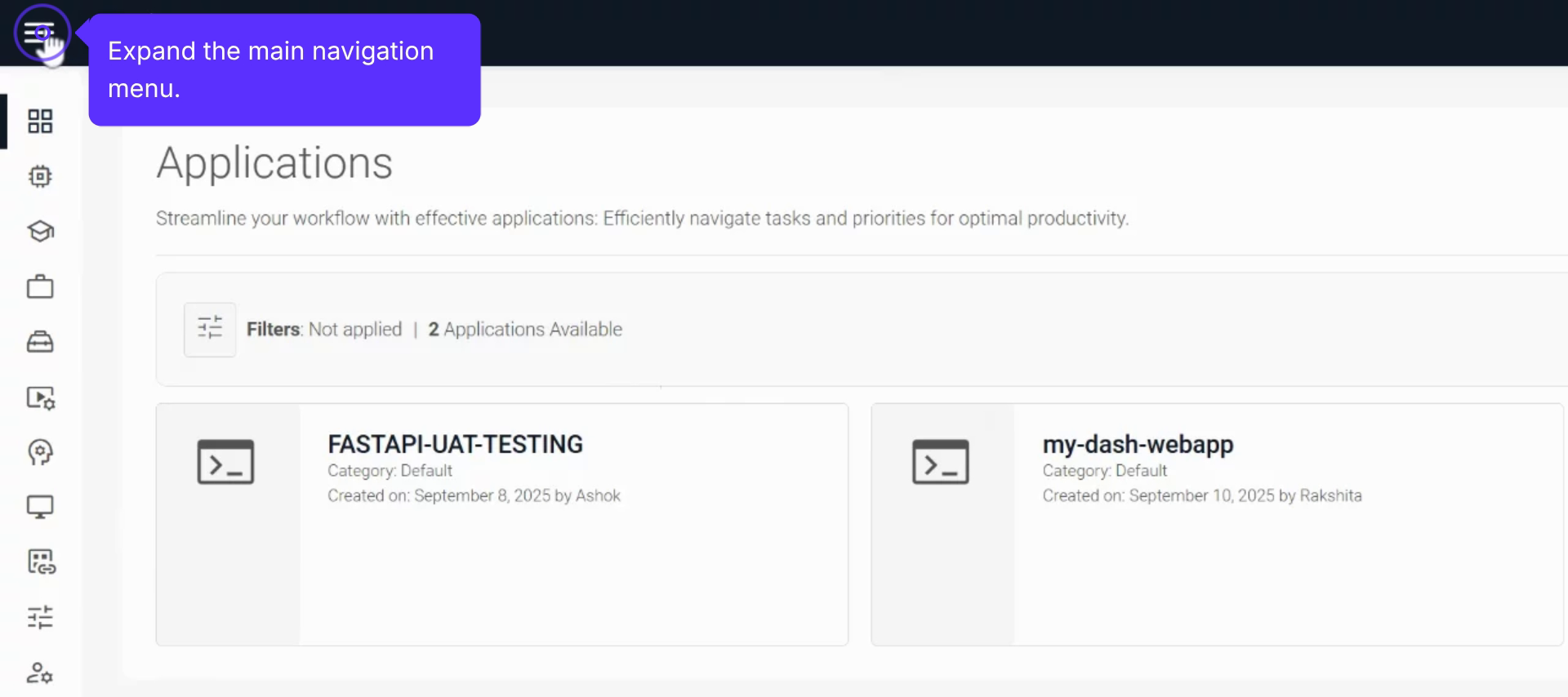
AI Studio Applications
AI Studio Applications - your centralised space for managing all your AI-powered applications with ease.
Step-by-step video tutorials and interactive walkthroughs to help you build, deploy, and manage sovereign AI applications.
Try adjusting your search or filter criteria
AI Studio Applications - your centralised space for managing all your AI-powered applications with ease.
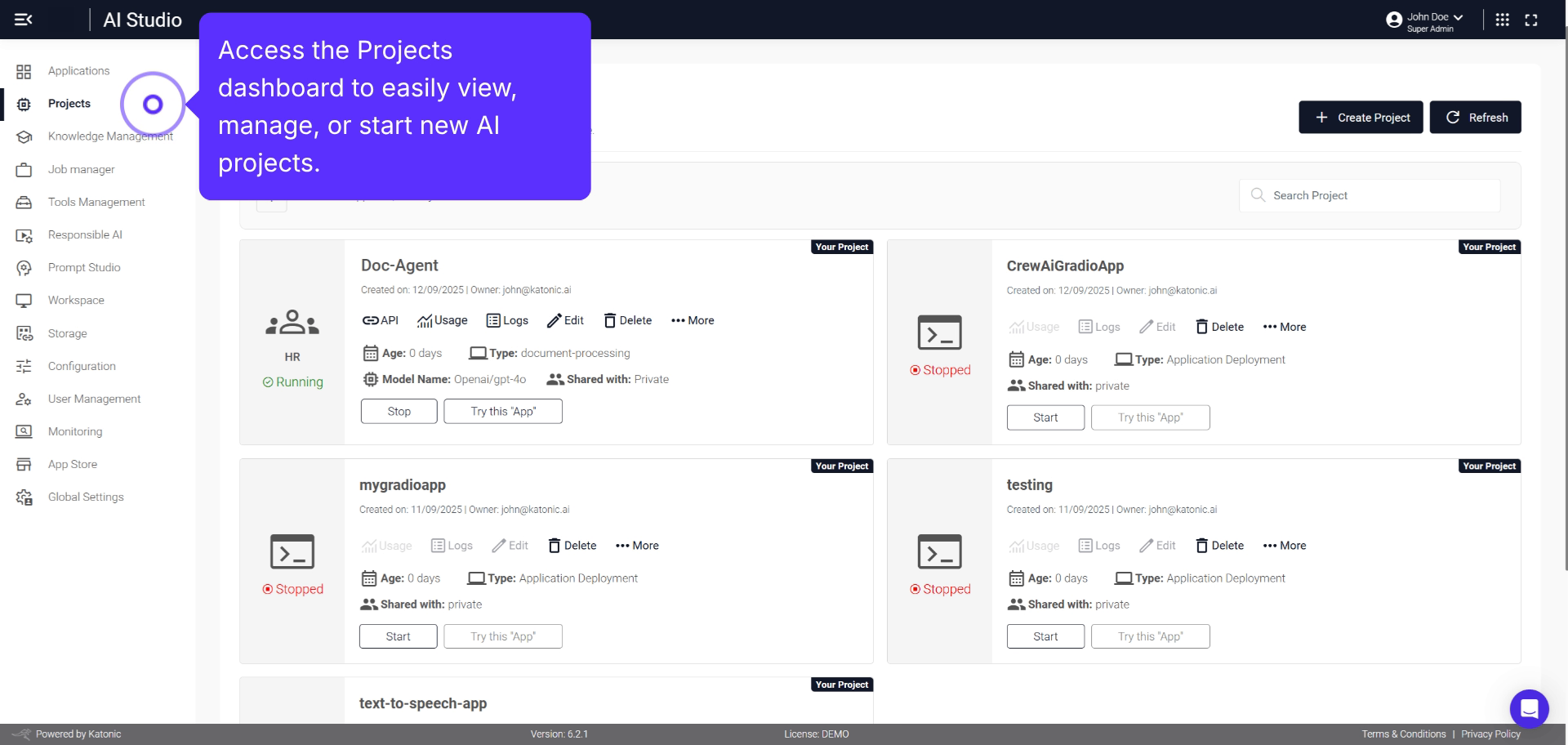
Comprehensive overview for efficiently setting up and managing Smart Co-pilot Applications.
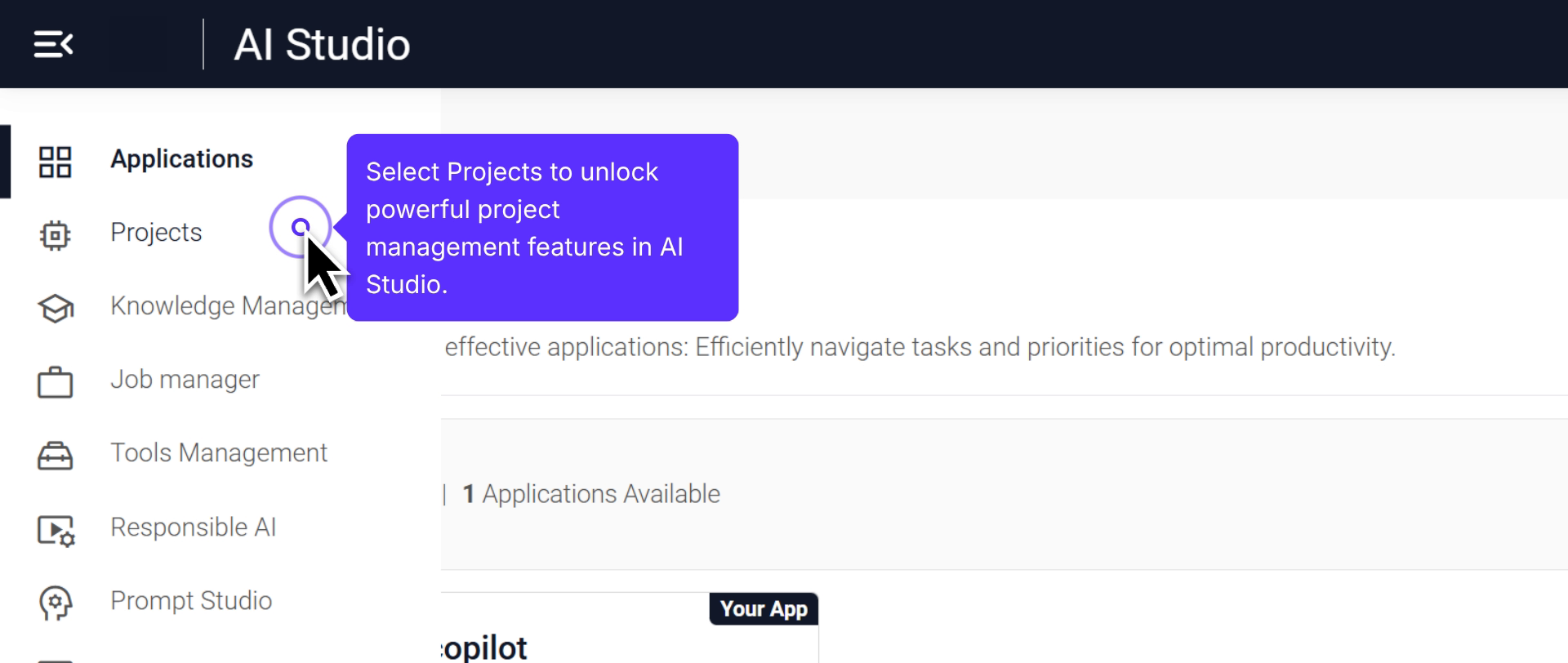
Comprehensive overview of creating an AI-powered text agent using project management features.
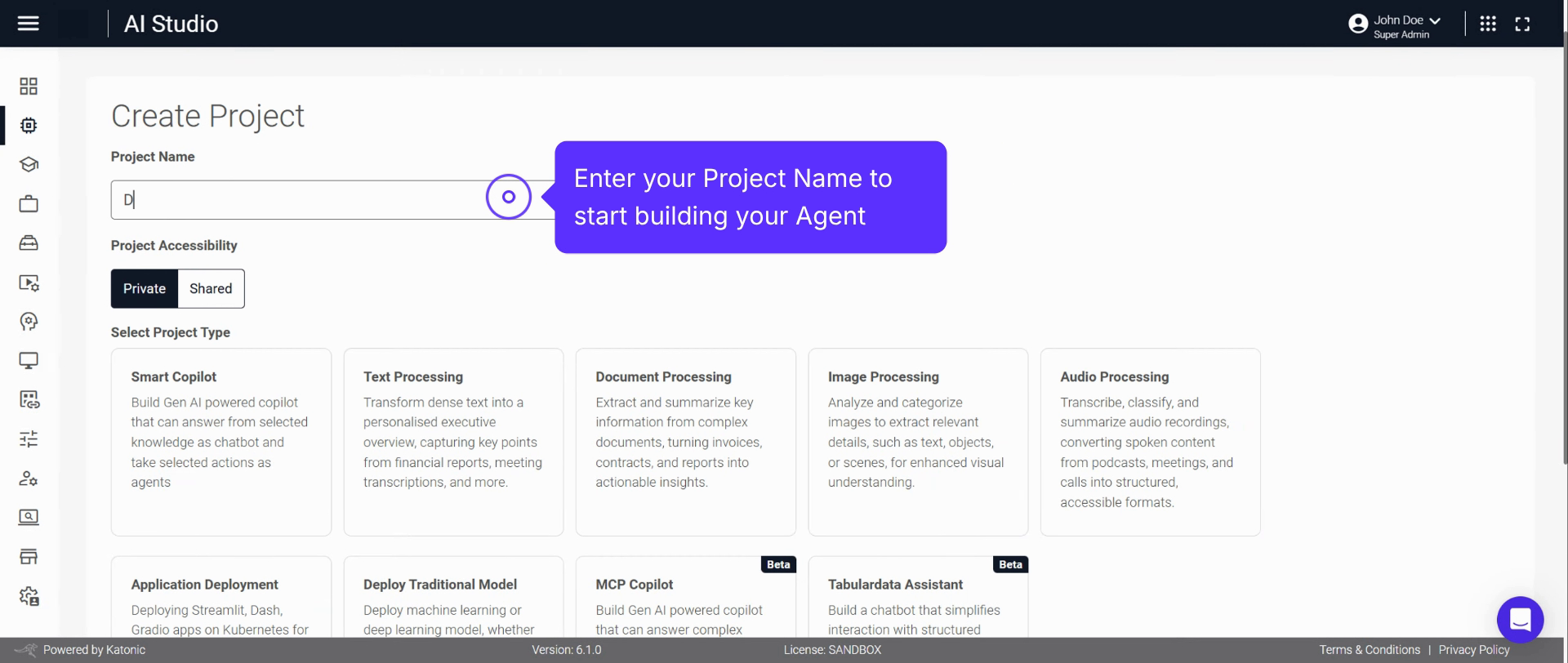
Step-by-step process to create and deploy a Document Processing application using AI Studio.
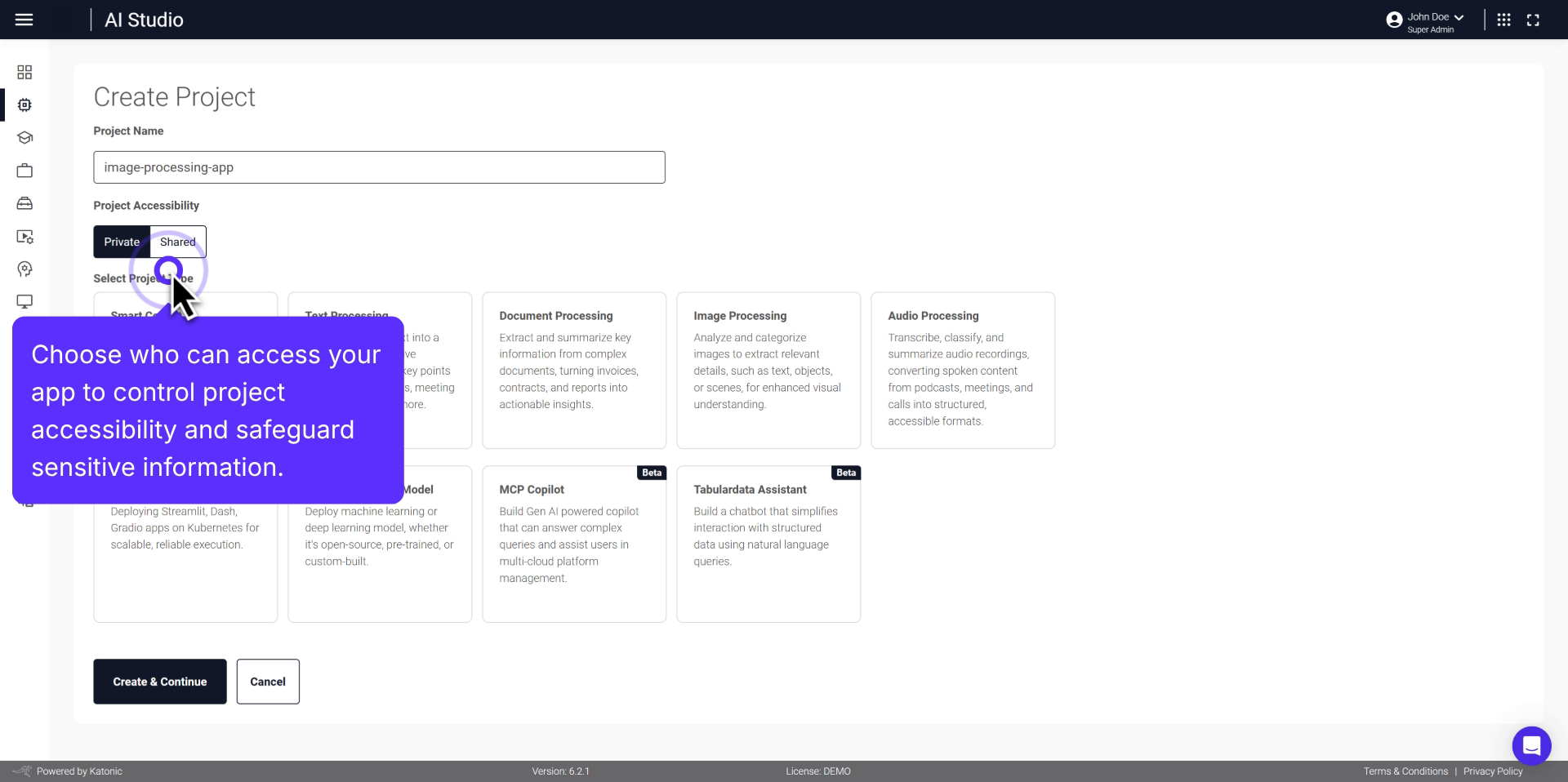
Steps to create, deploy, and manage an AI-powered application for extracting info from documents.
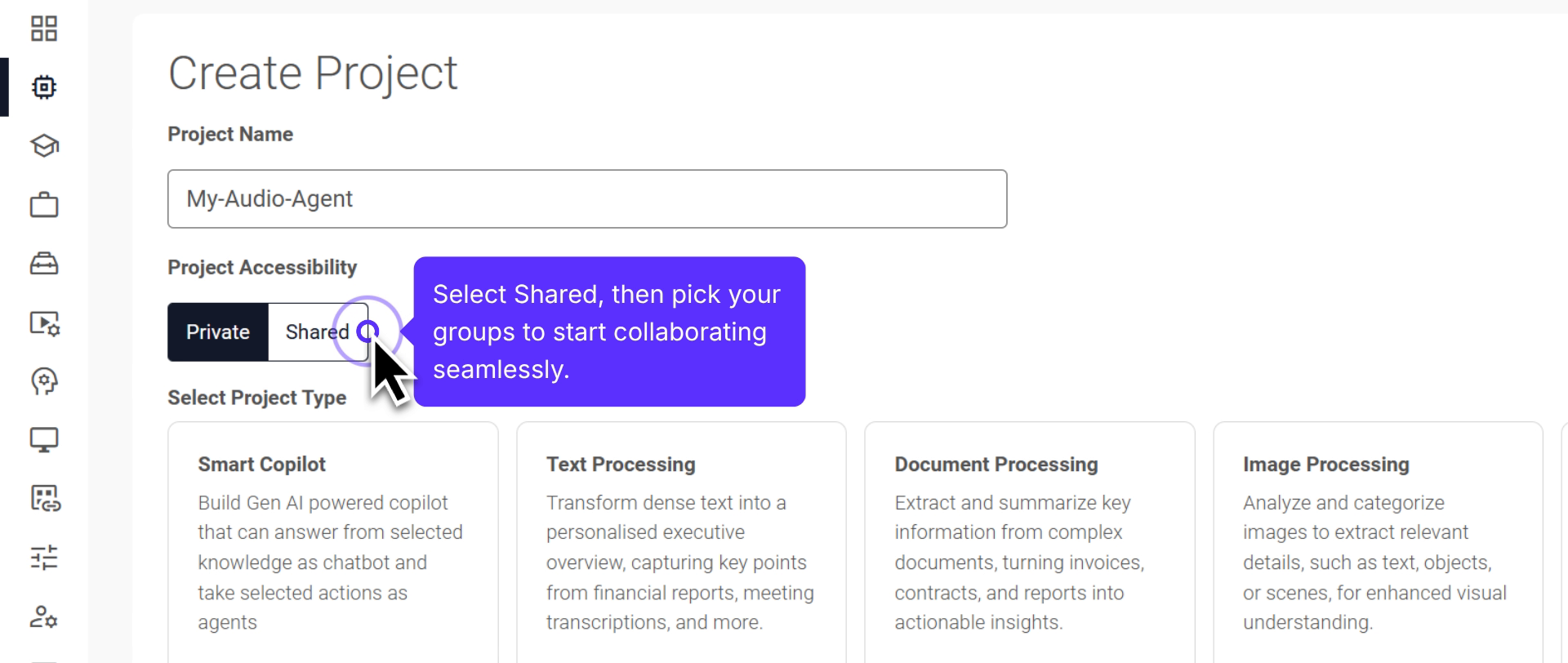
Comprehensive guide on setting up and deploying AI-powered audio processing projects.
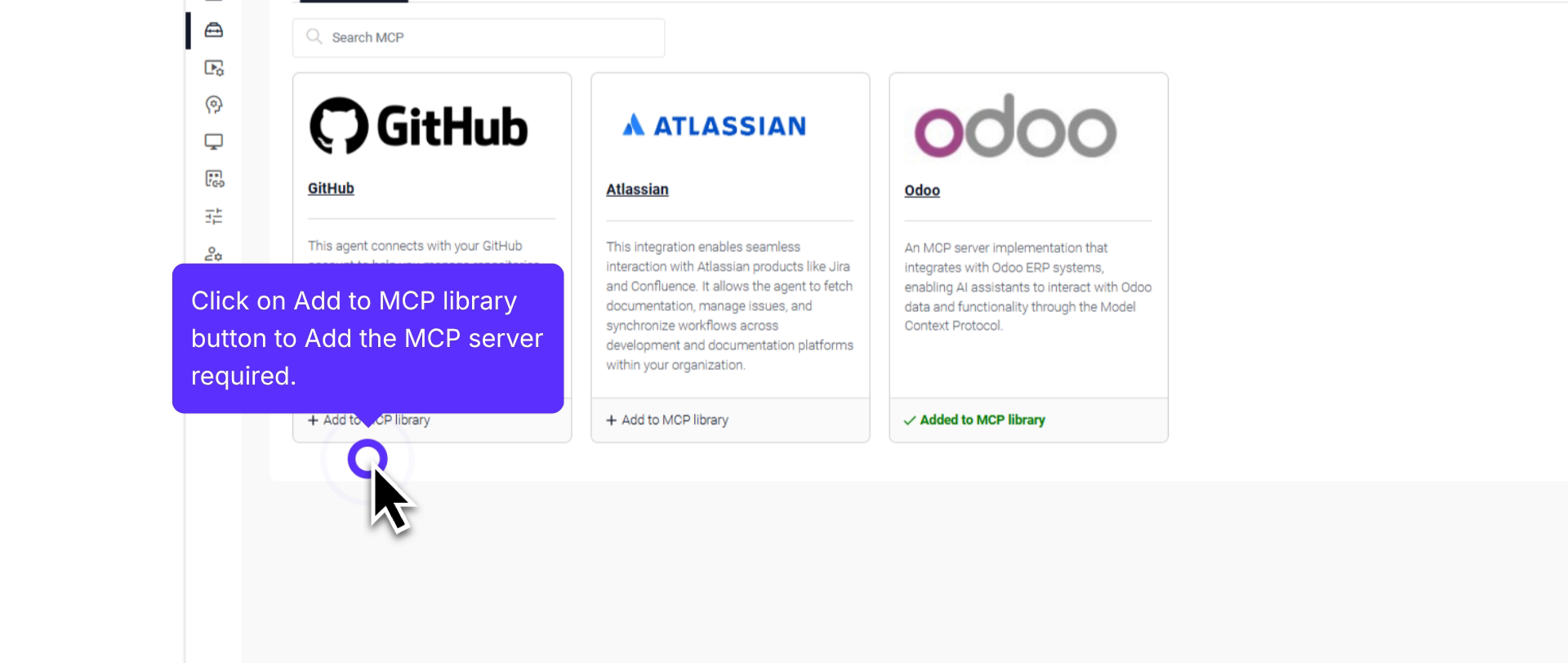
Step-by-step approach to adding an MCP server and creating an MCP copilot project.
Comprehensive overview for efficiently setting up data-powered chatbot applications.
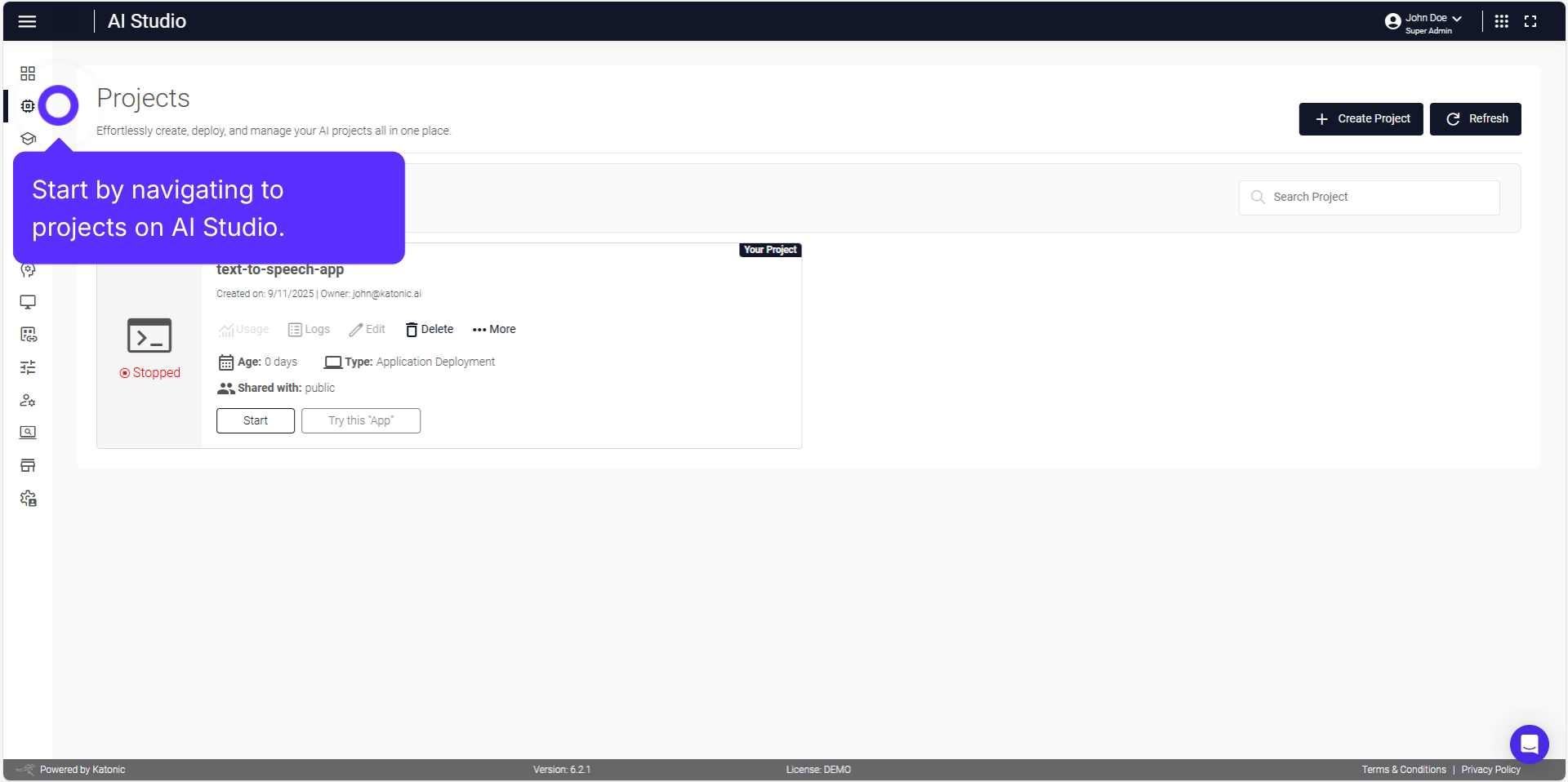
Comprehensive guide on deploying Streamlit applications using AI Studio.
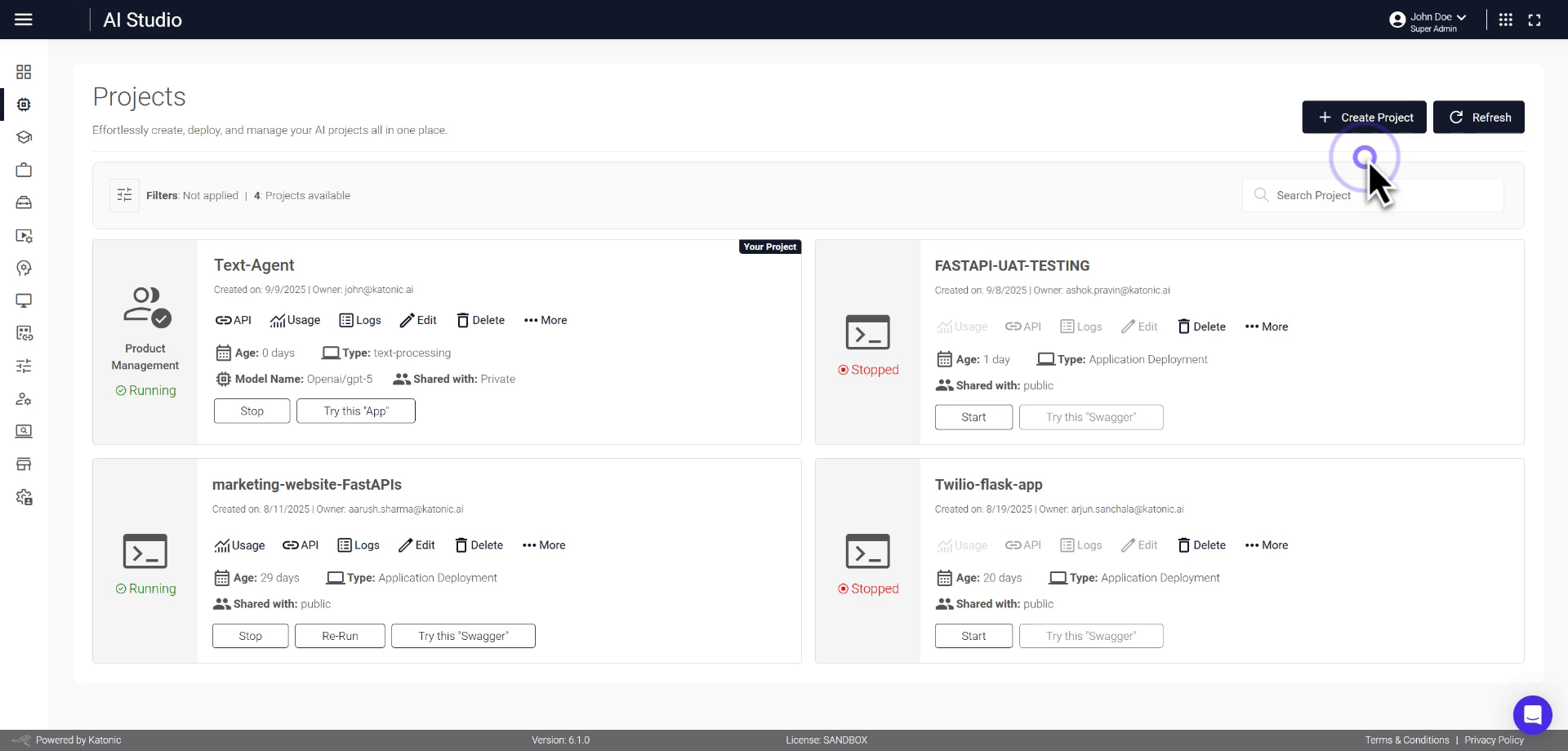
Step-by-step instructions for deploying AI-powered Dash applications.
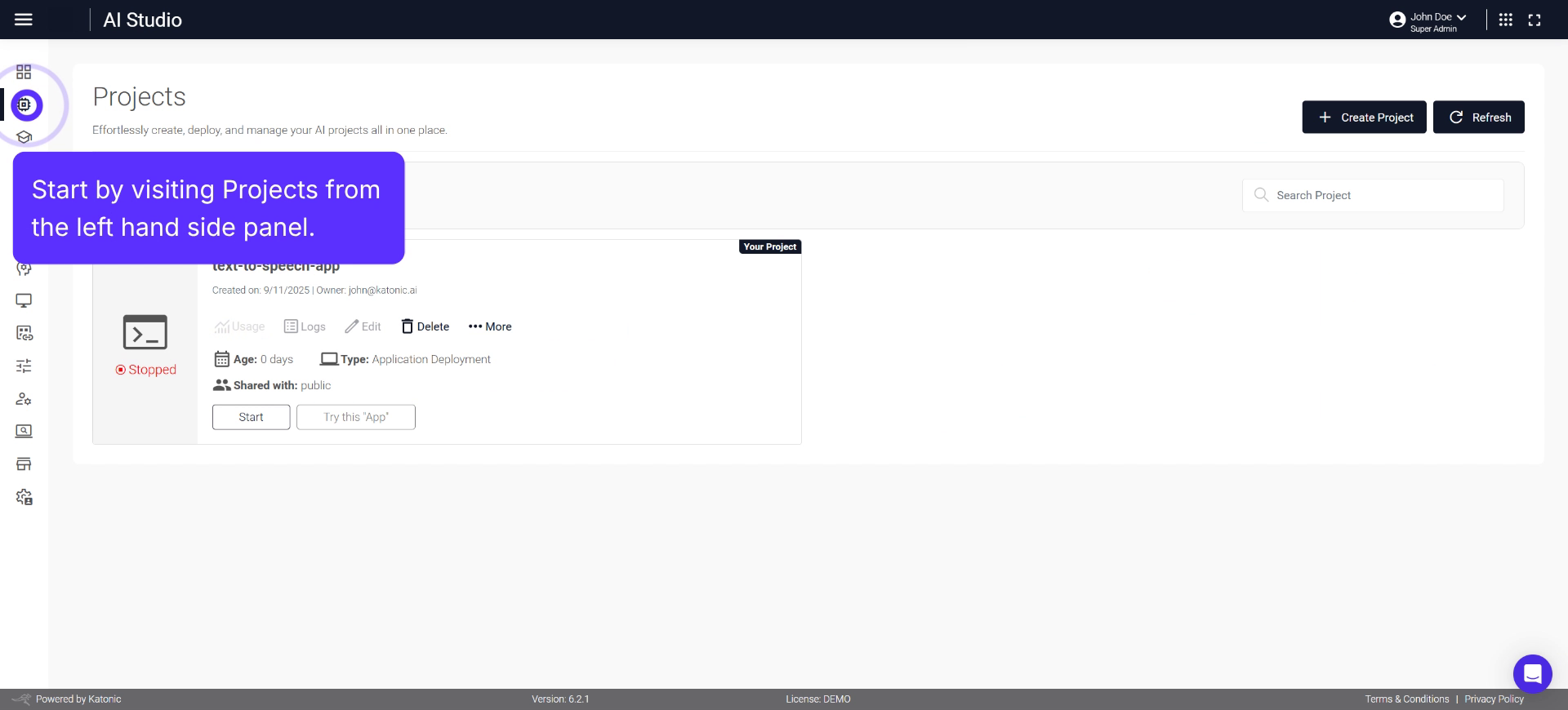
Seamlessly deploy, configure, and manage Gradio applications at scale.
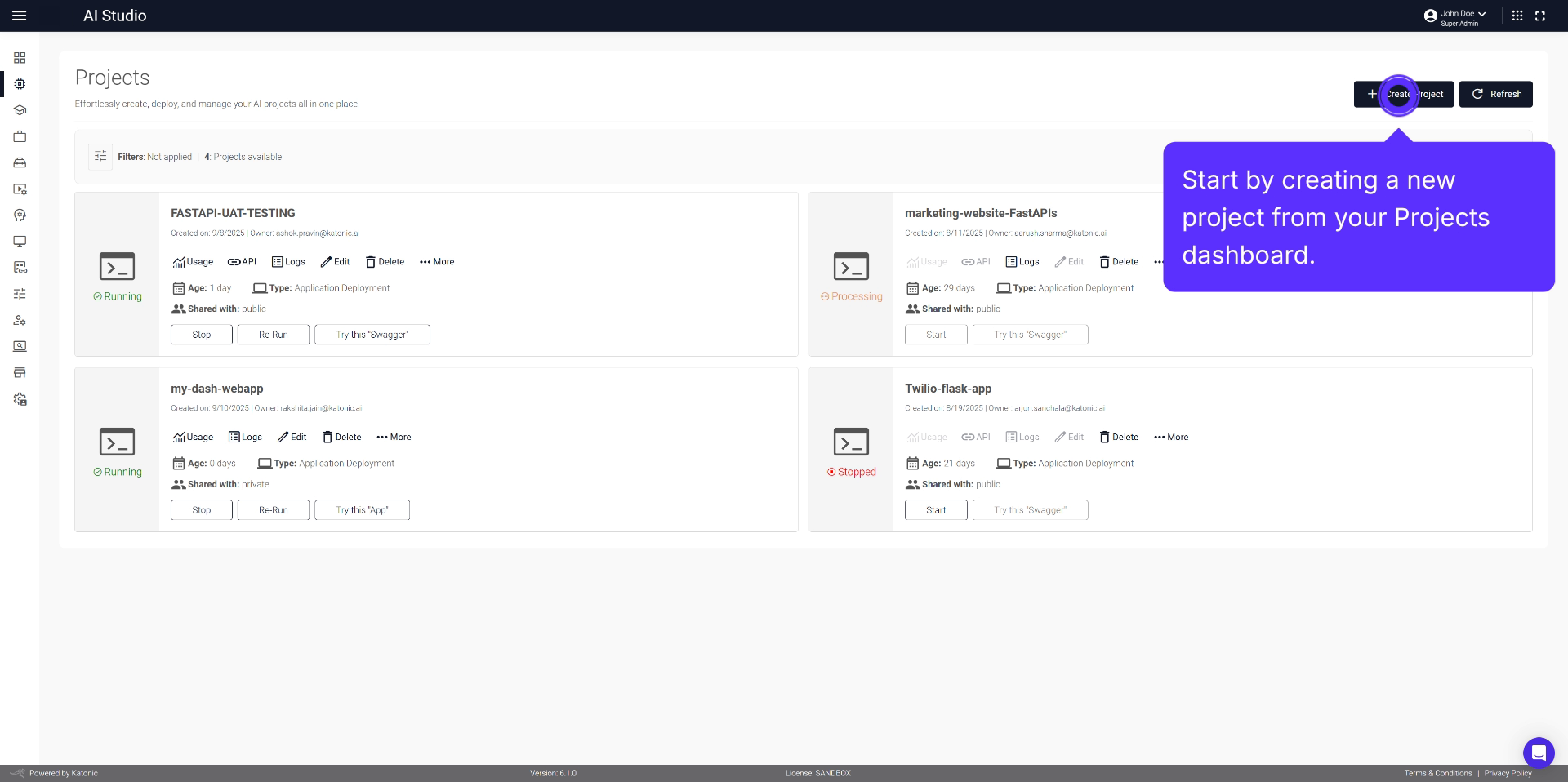
Detailed walkthrough of deploying the Crew AI Streamlit Research Assistant application.
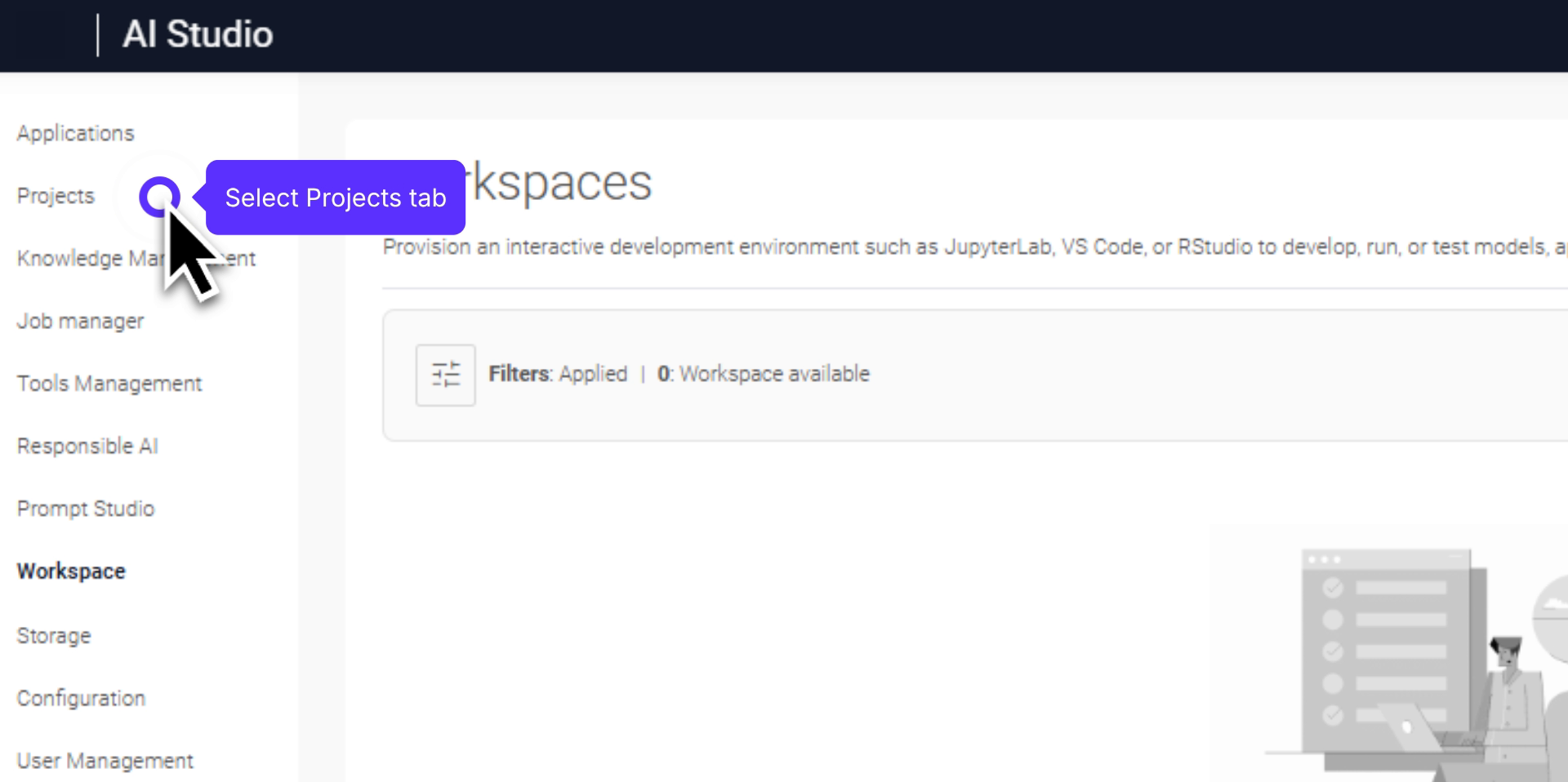
Comprehensive guide on deploying applications using CrewAI Gradio framework.
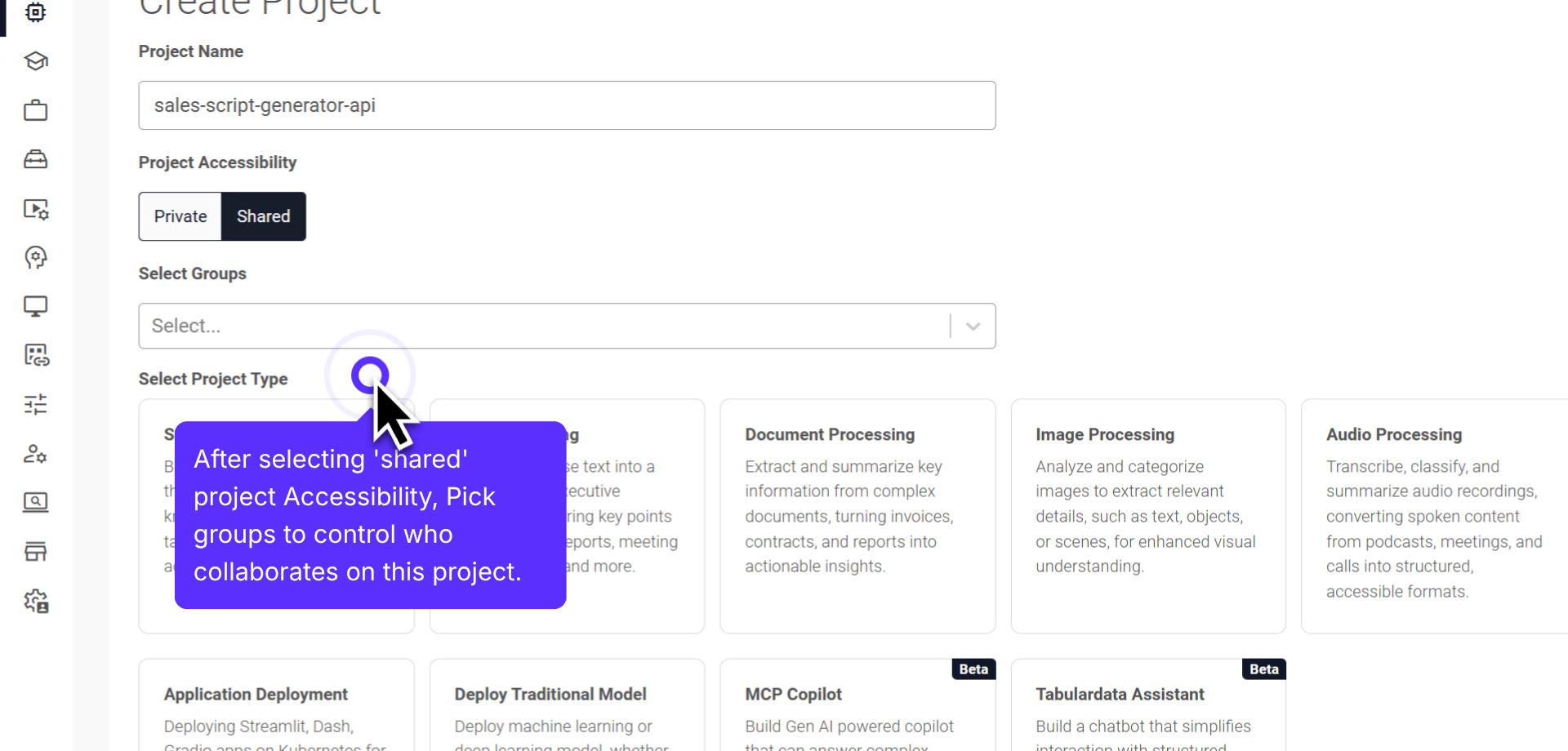
Detailed walkthrough for setting up and deploying an application using FastAPI.
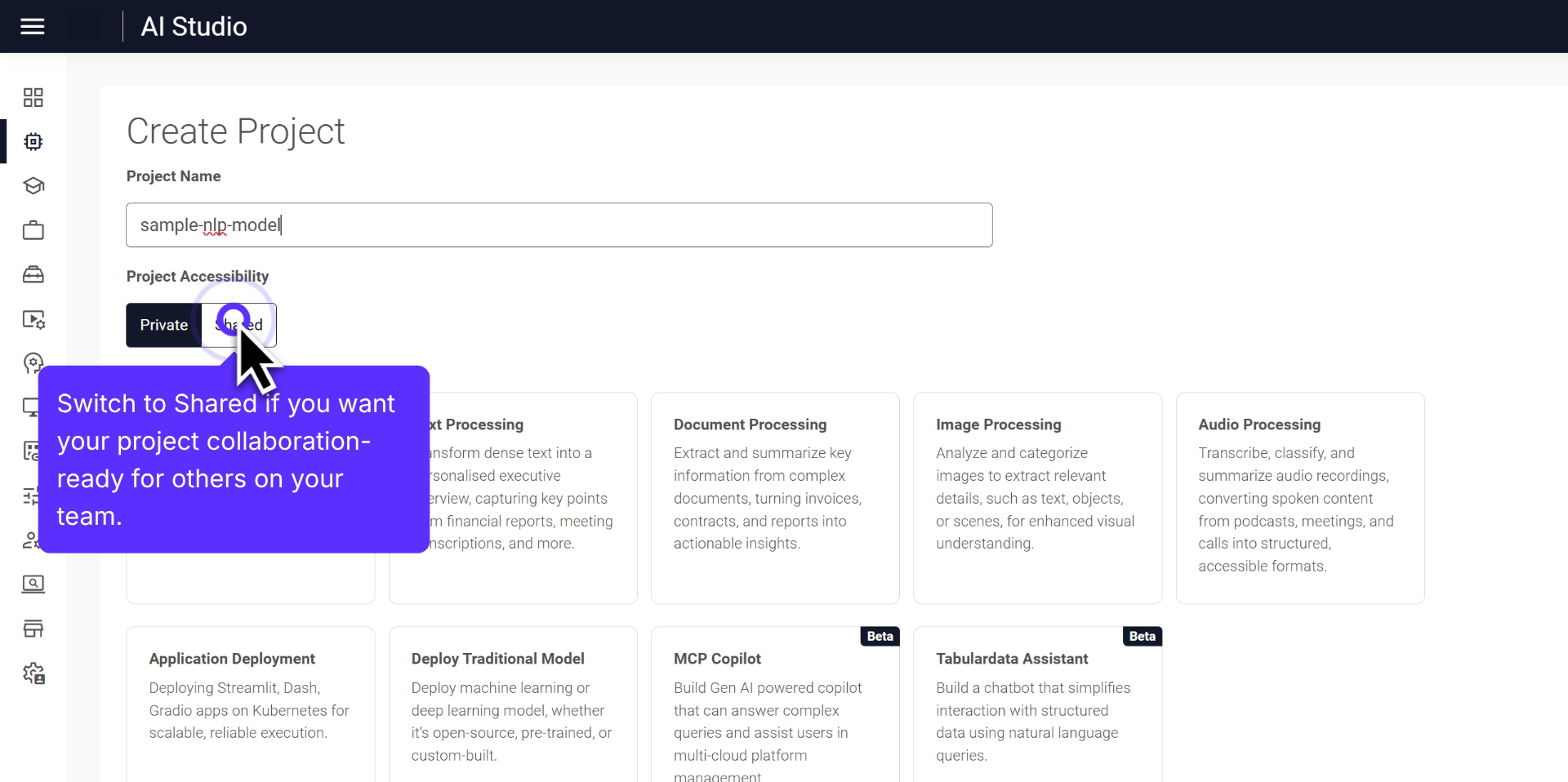
Comprehensive walkthrough for deploying a custom AI model, focusing on NLP.
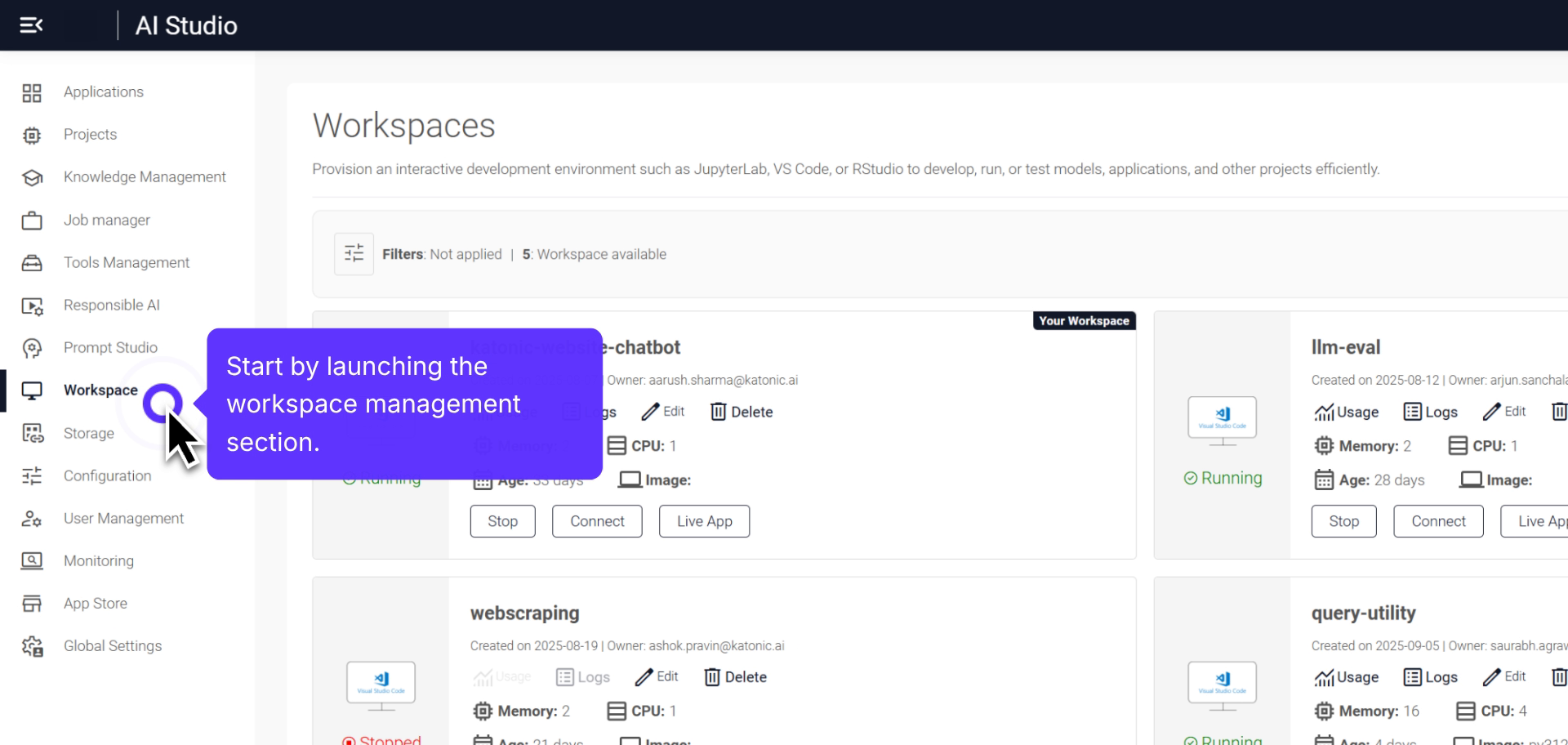
Comprehensive overview of setting up and managing your Jupyter Lab workspace.
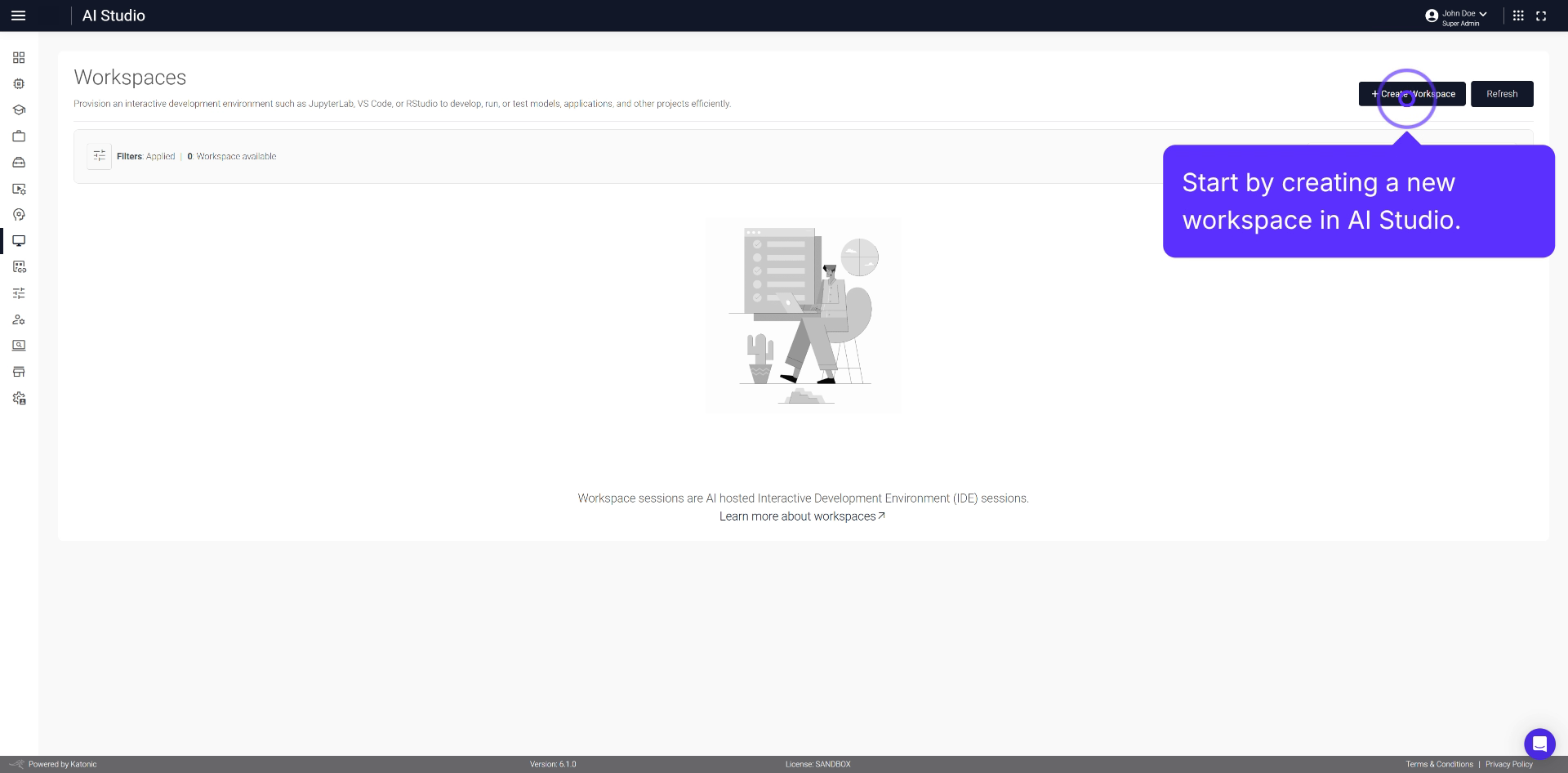
Detailed steps for setting up a new Jupyter workspace in AI Studio.
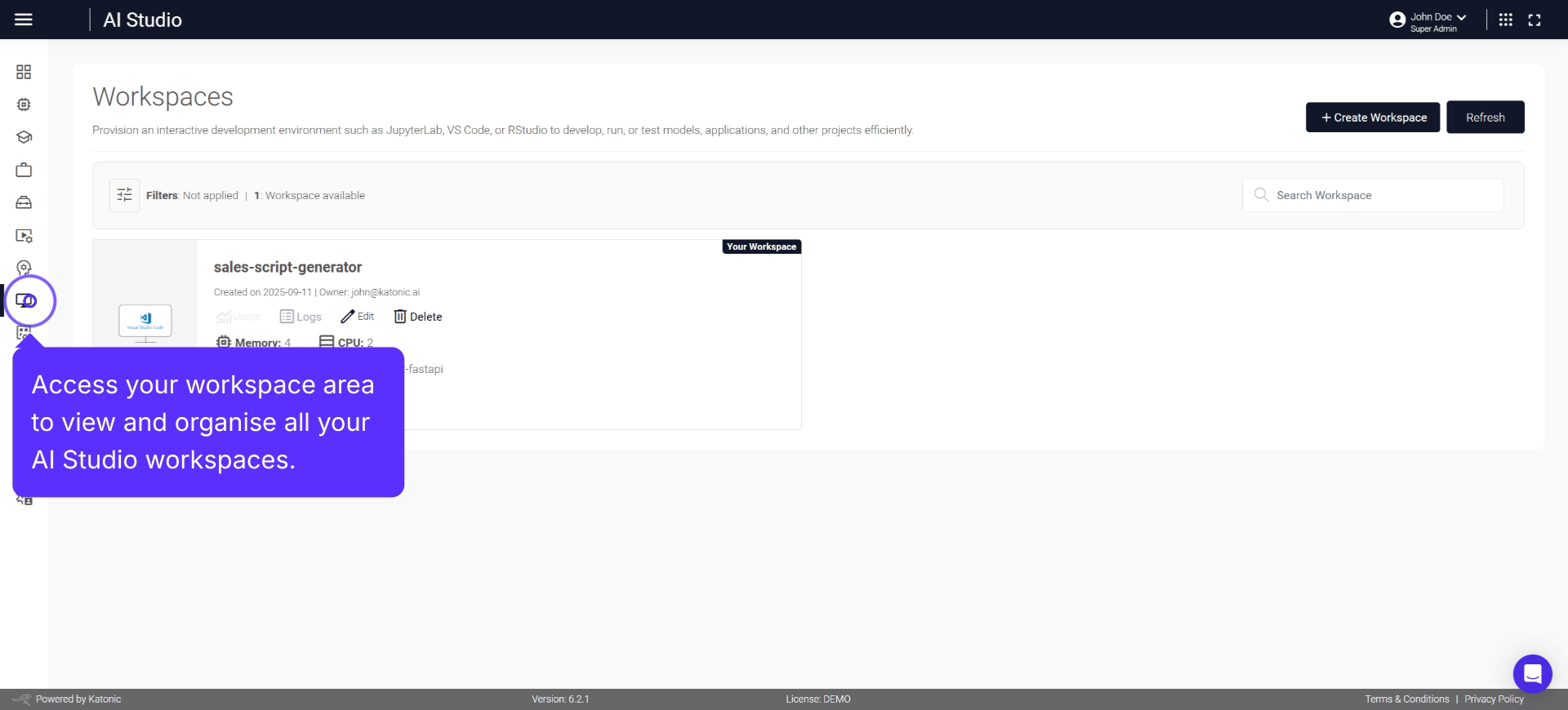
A dedicated environment for building, running, and managing Streamlit applications.
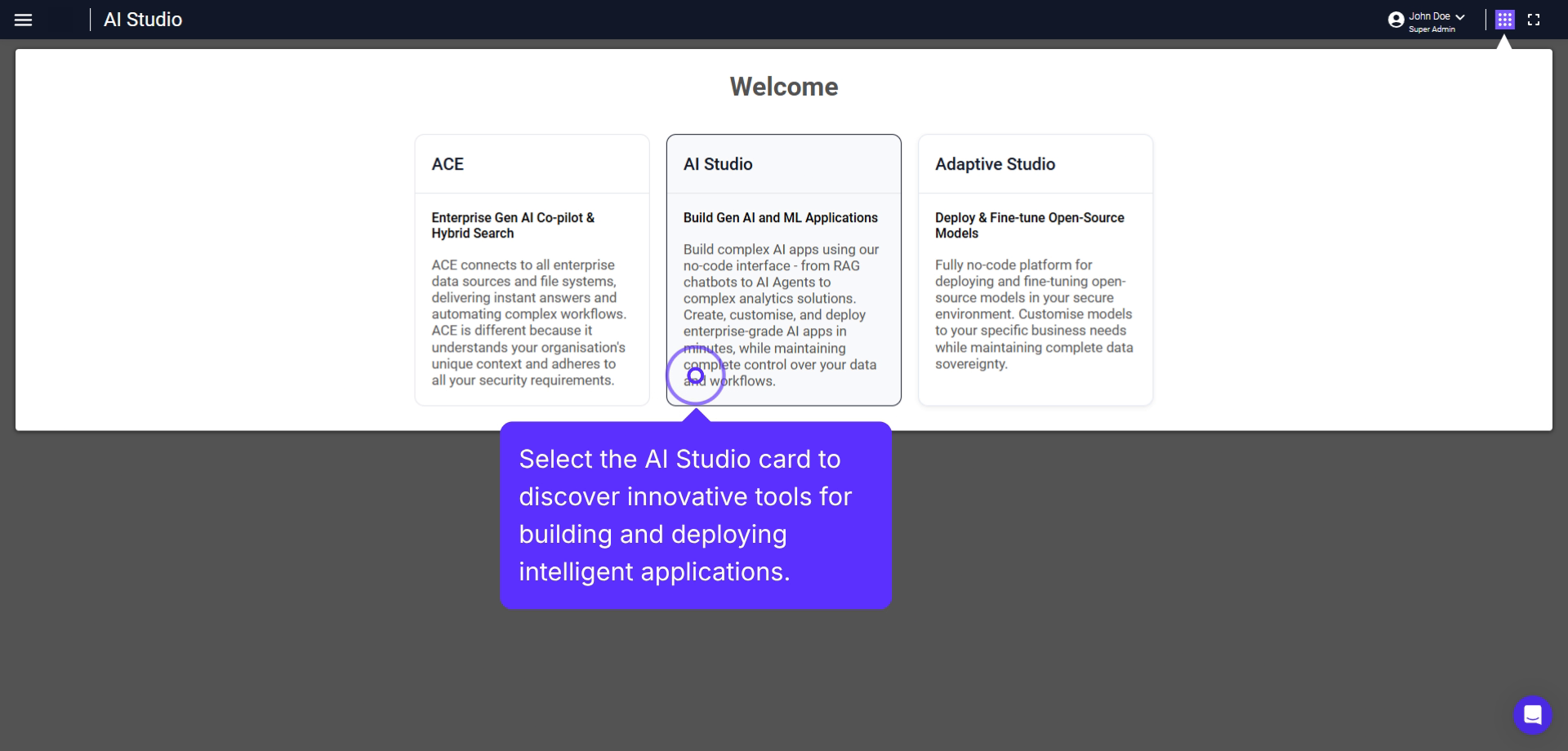
Comprehensive guide to effectively build Dash Workspace within AI Studio.
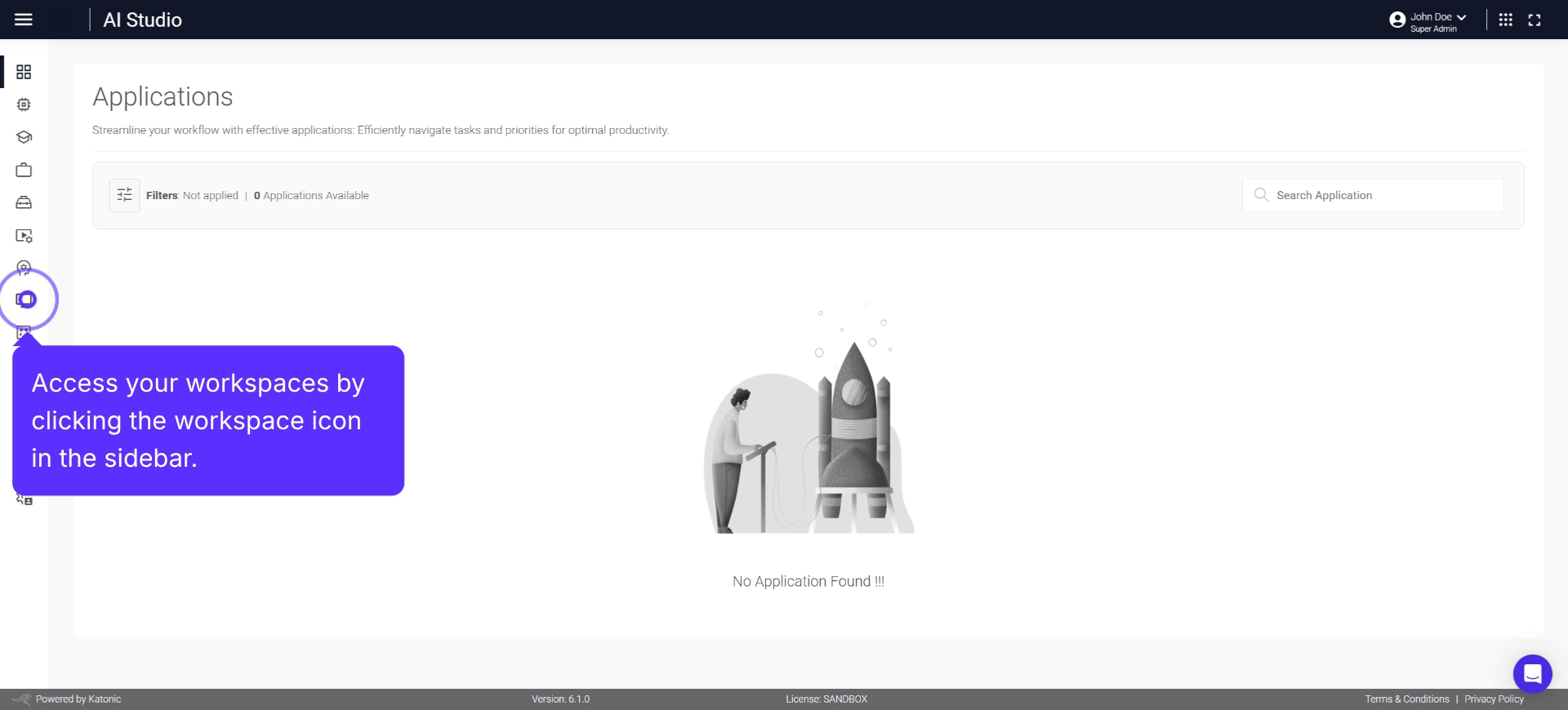
Create, develop, and manage interactive web applications with Gradio.
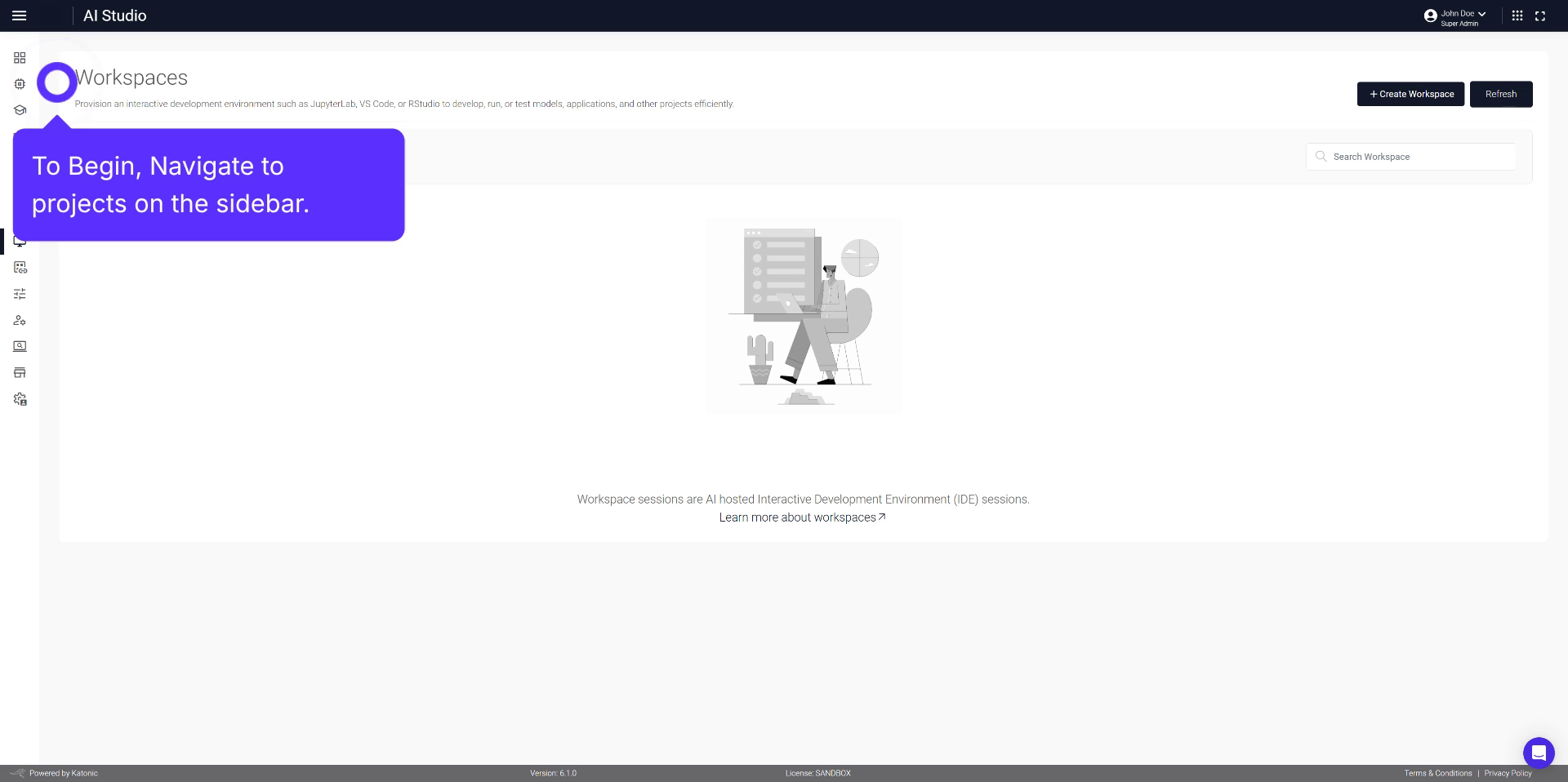
Learn how to create, configure, and manage a workspace for a CrewAI project.
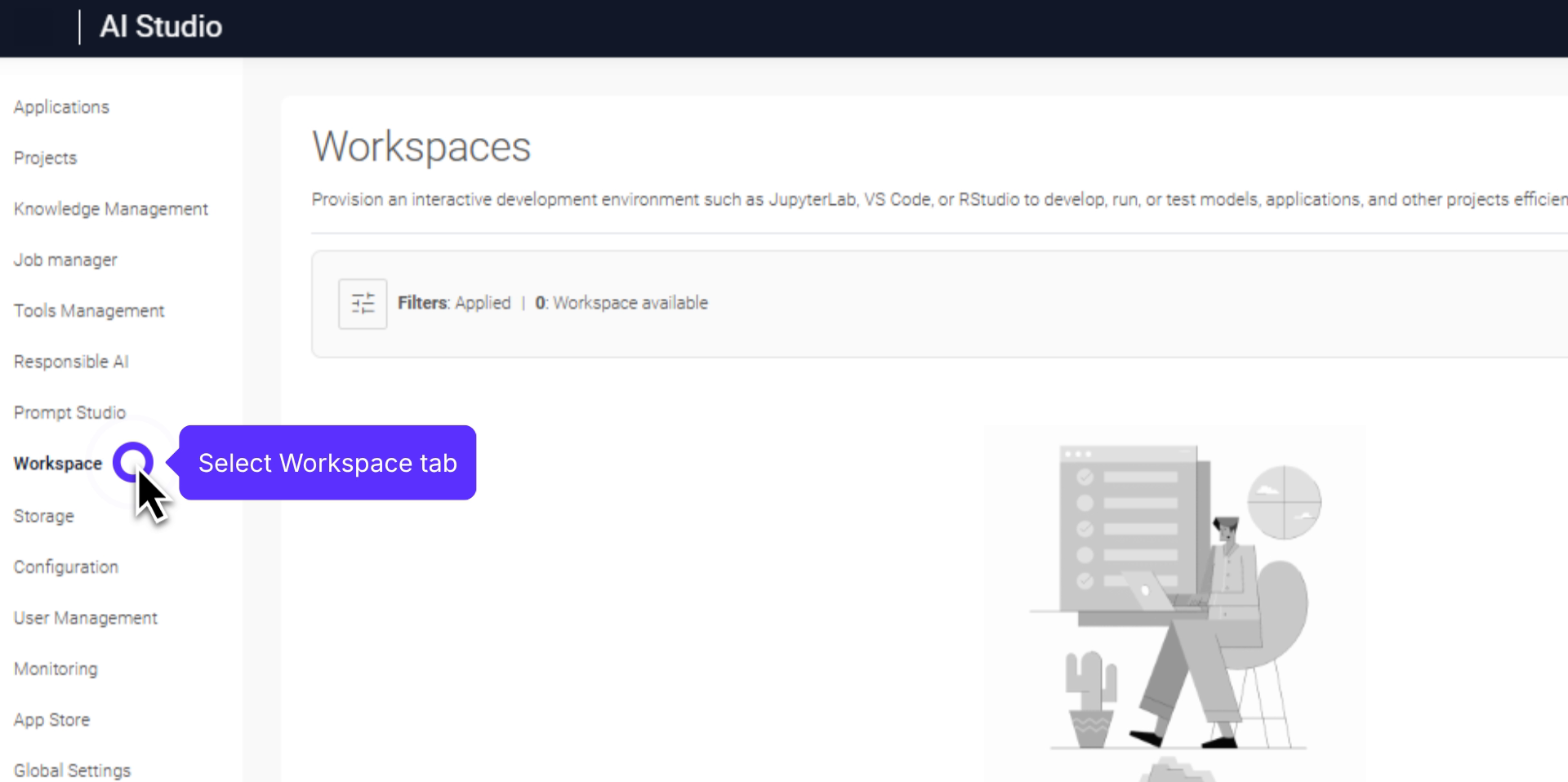
Step-by-step process to set up and manage CrewAI Gradio in your workspace.
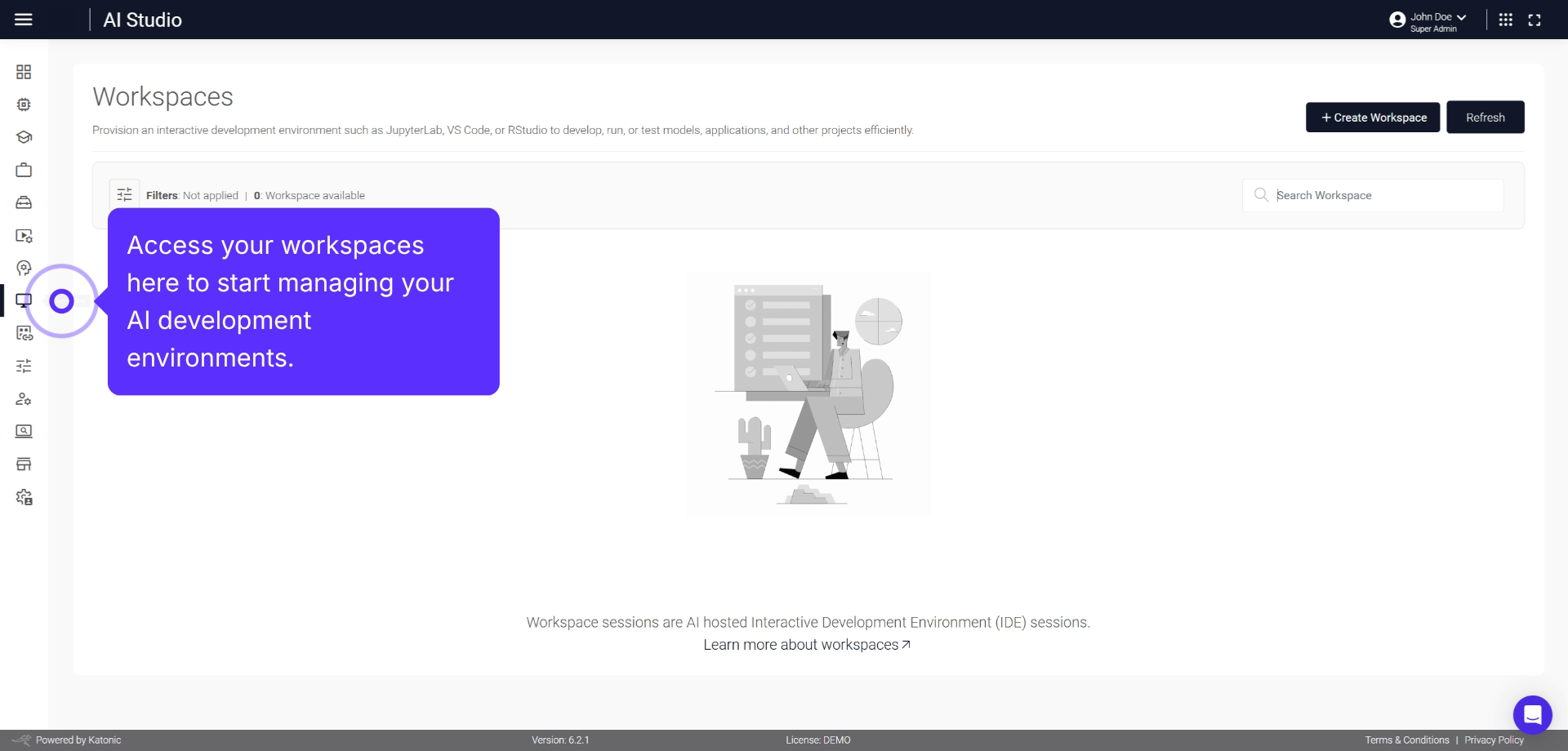
Steps to set up and manage Fast API development workspace in AI Studio.
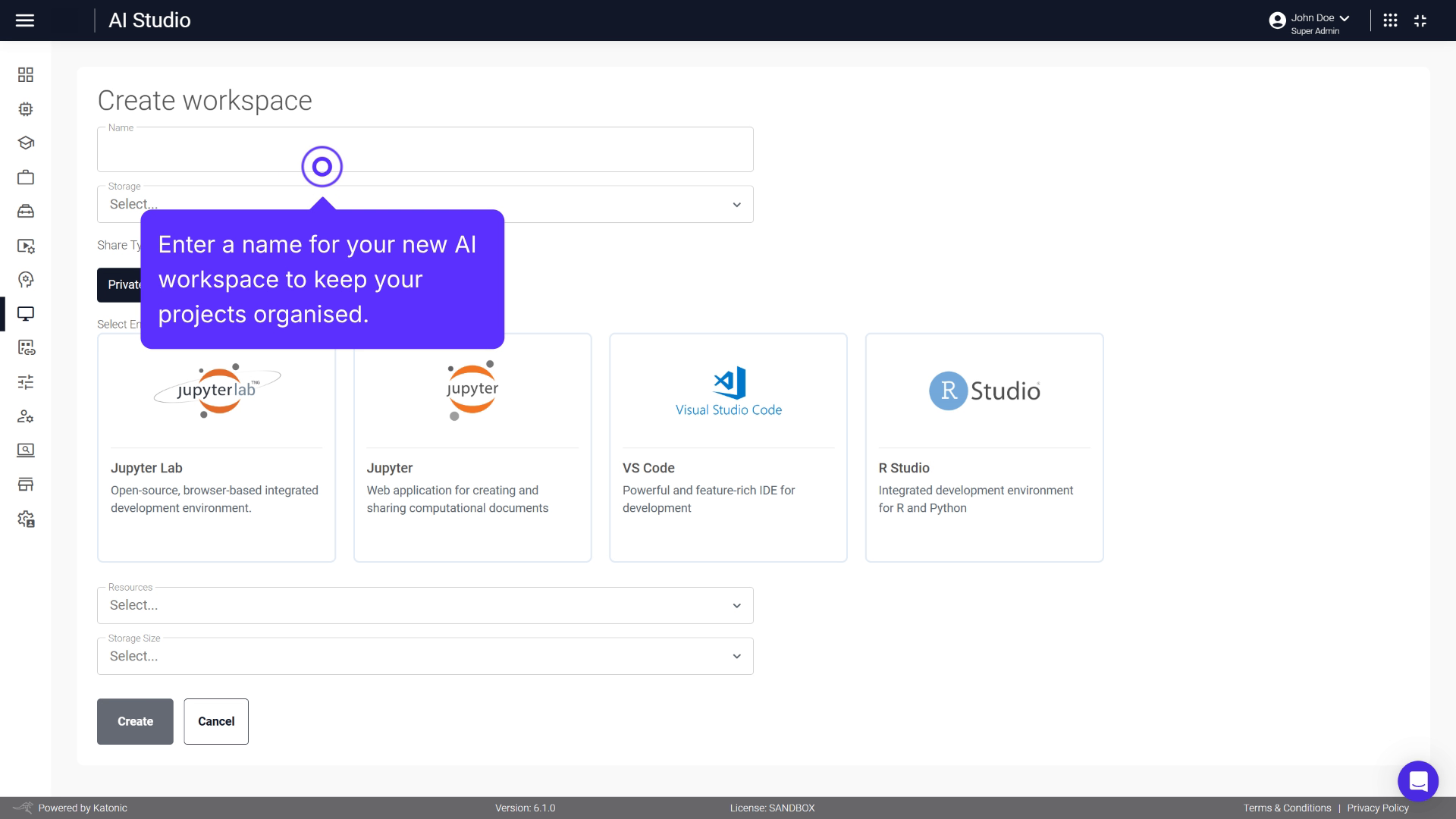
Learn how to create and manage a Node React workspace for your projects.
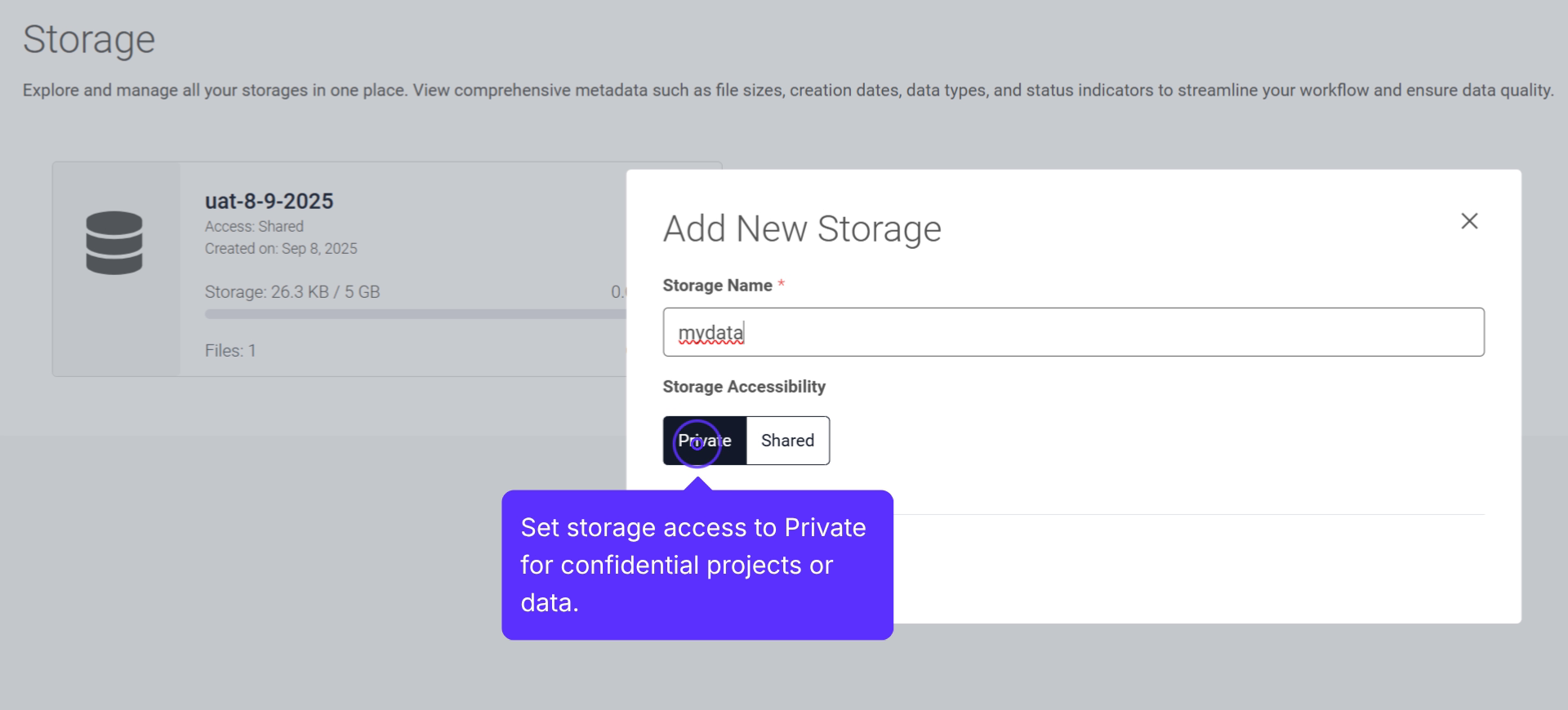
A central hub for securely creating, managing, and organising files for AI projects.
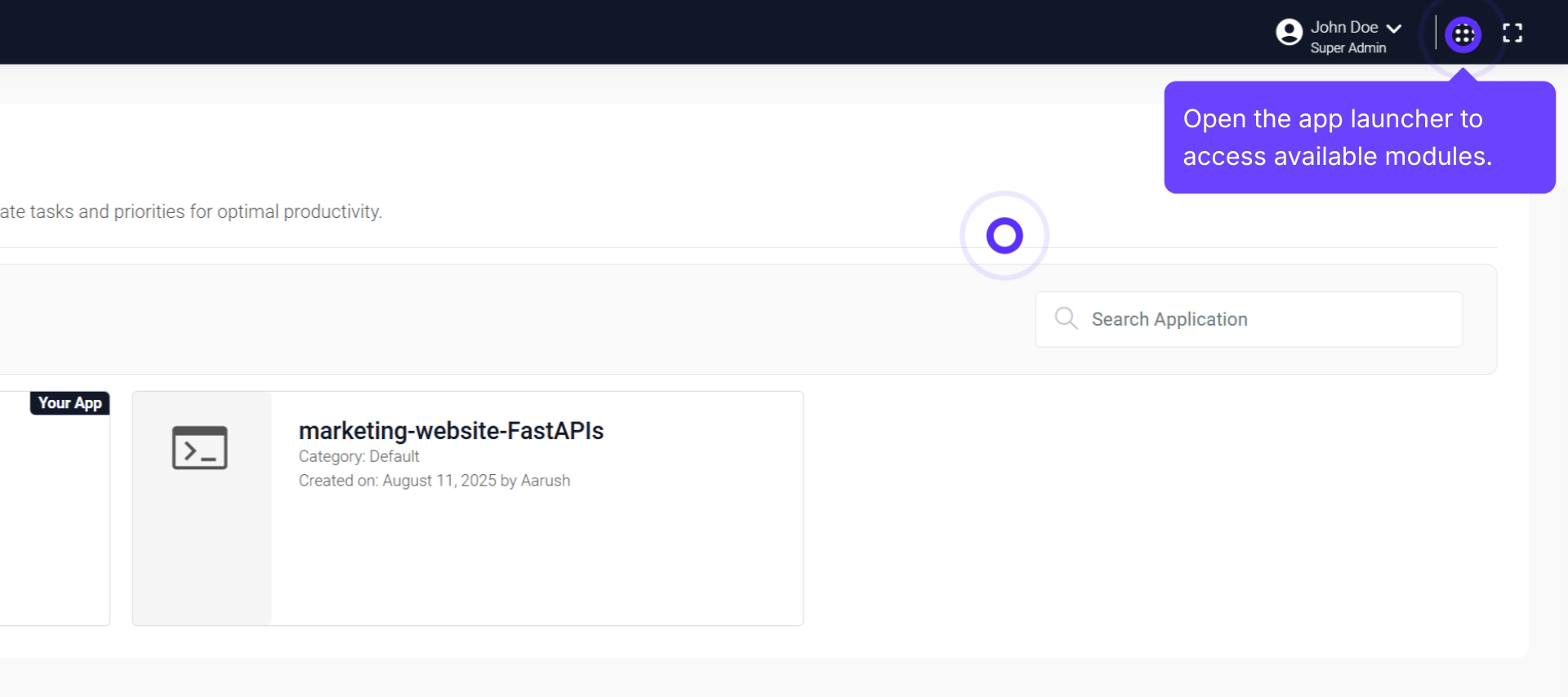
Walk through the process of setting up a CRON Job Scheduler using Katonic AI.
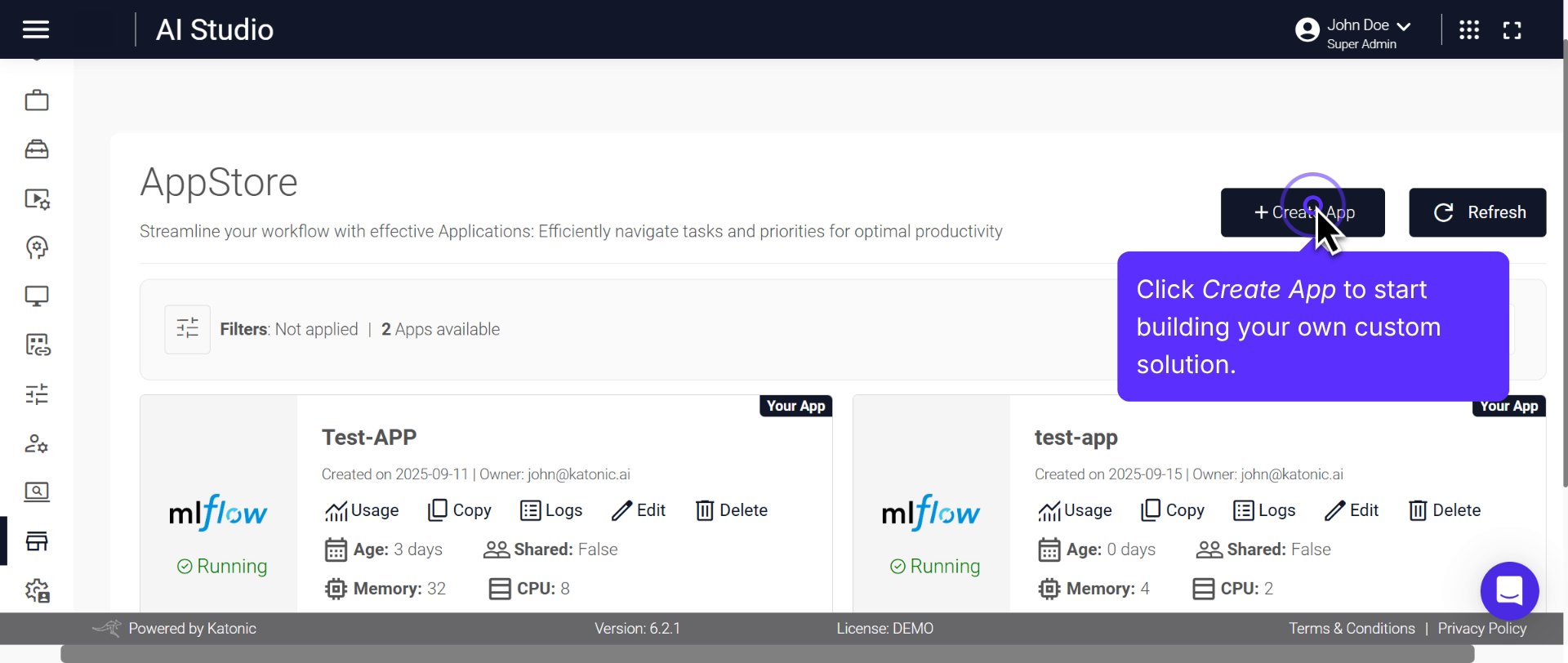
Process for creating and managing AI-powered applications using MLflow.
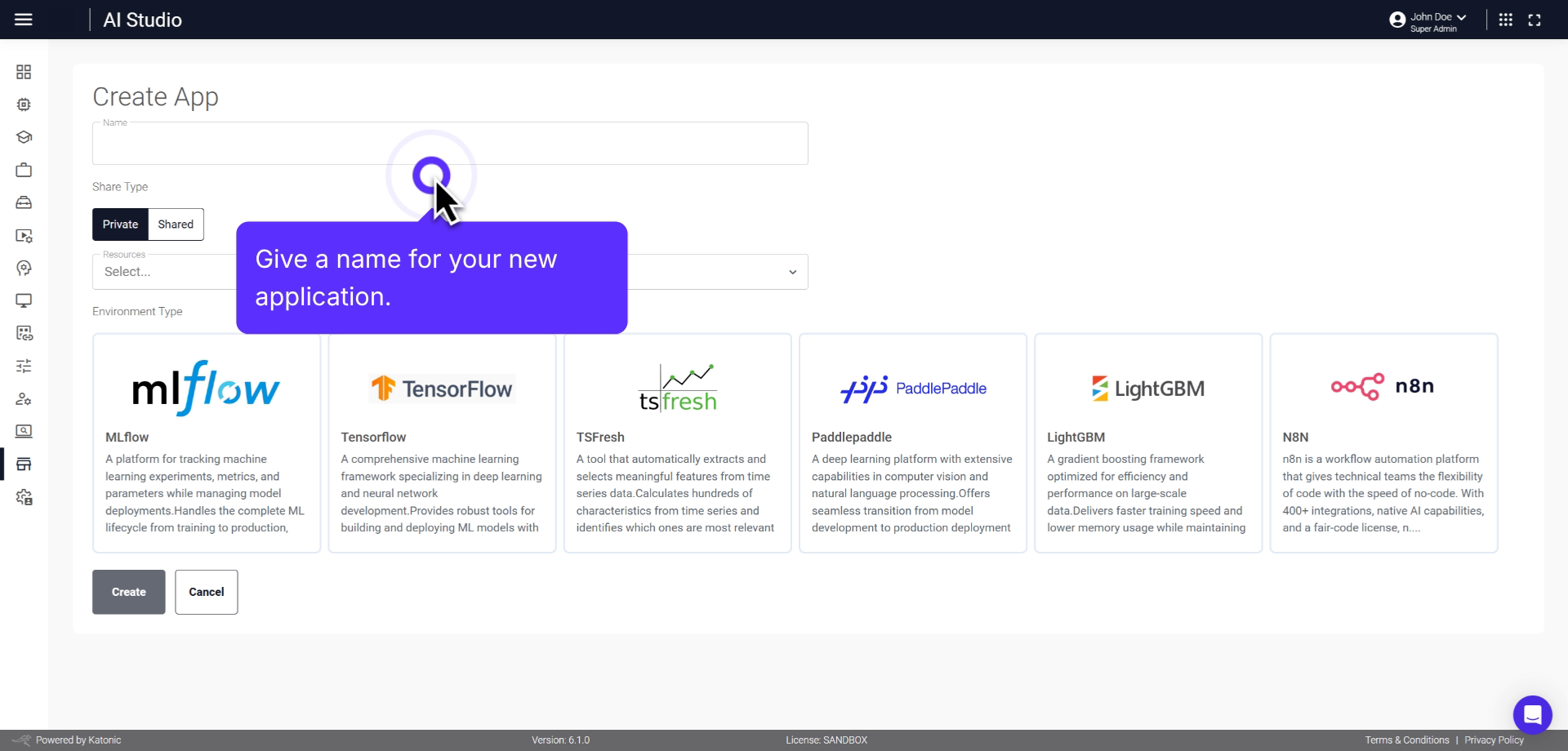
Overview of creating, managing, and visualizing ML models using TensorFlow.
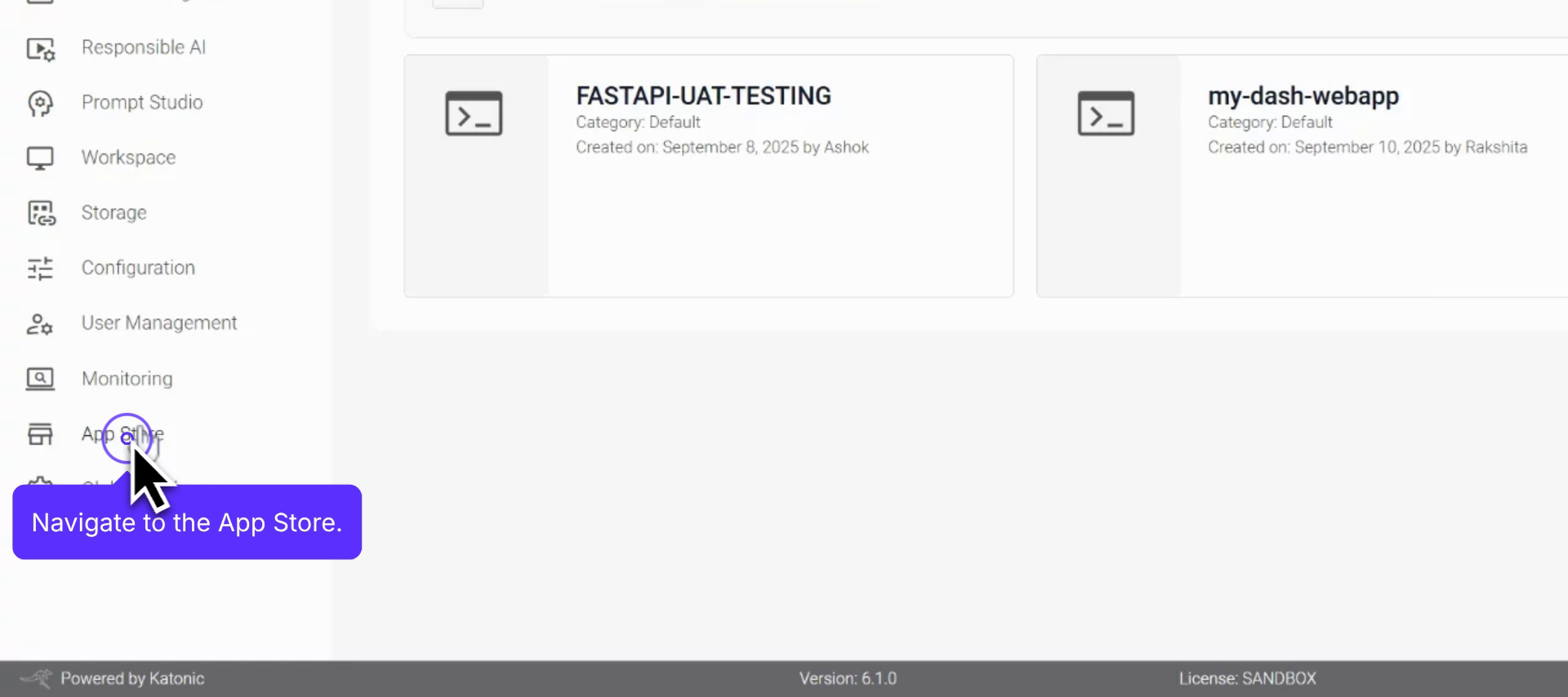
Step-by-step procedure for creating and managing TSFRESH applications.
Configure, set access, and launch a PaddlePaddle app from the App Store.
Comprehensive overview of creating and managing LightGBM applications.
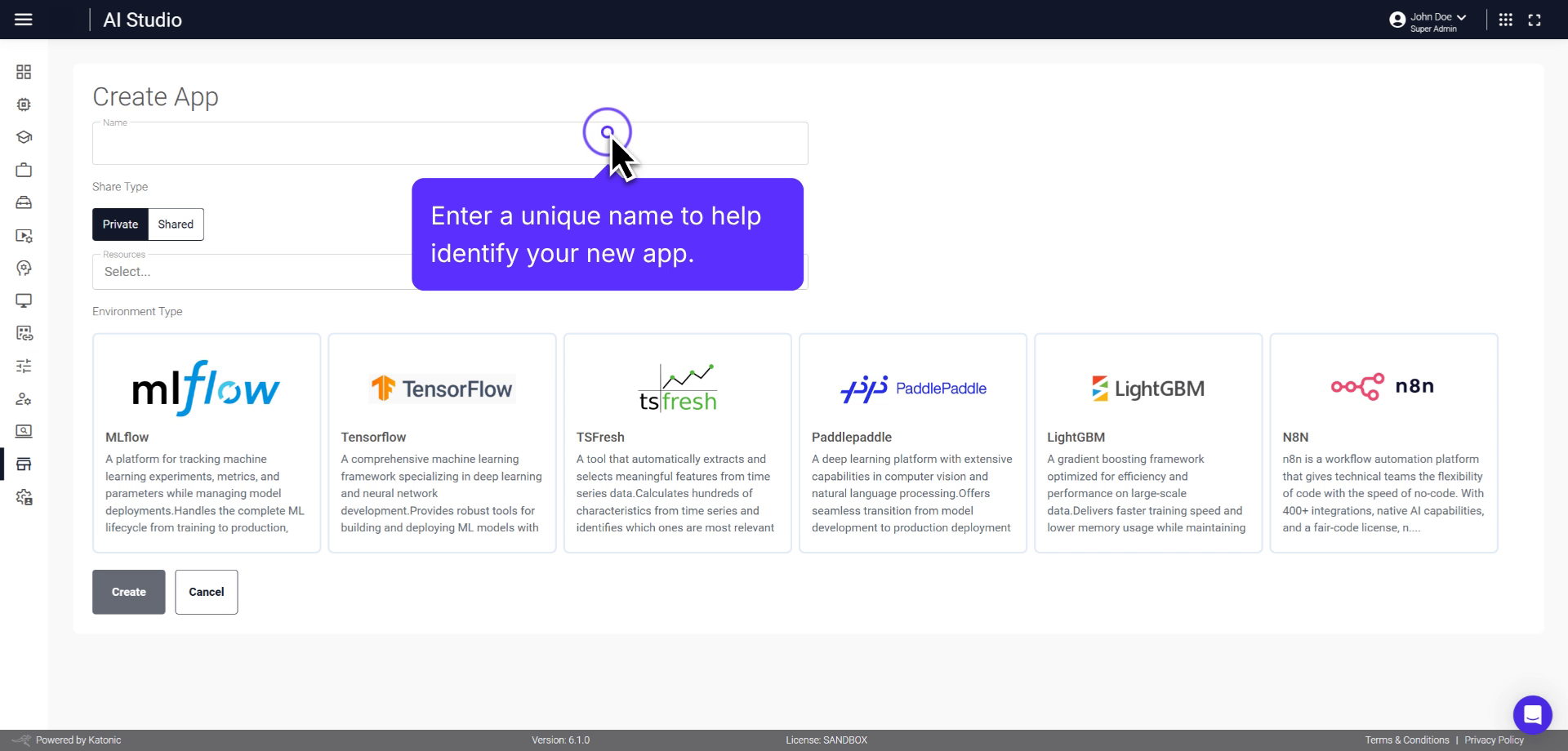
Guide for creating AI-powered applications using N8N workflow automation.
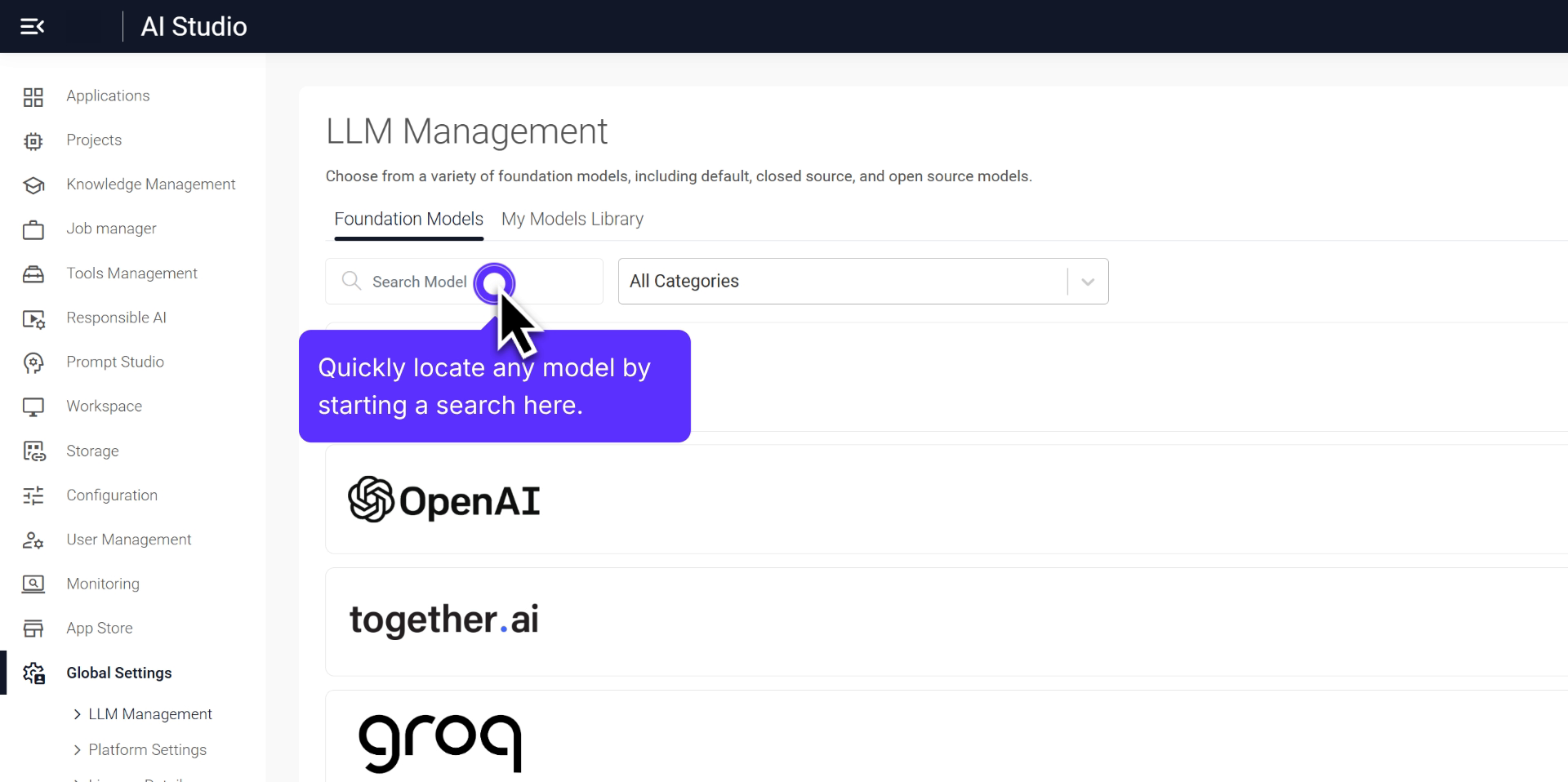
Comprehensive overview of how to manage your Language Learning Models effectively.
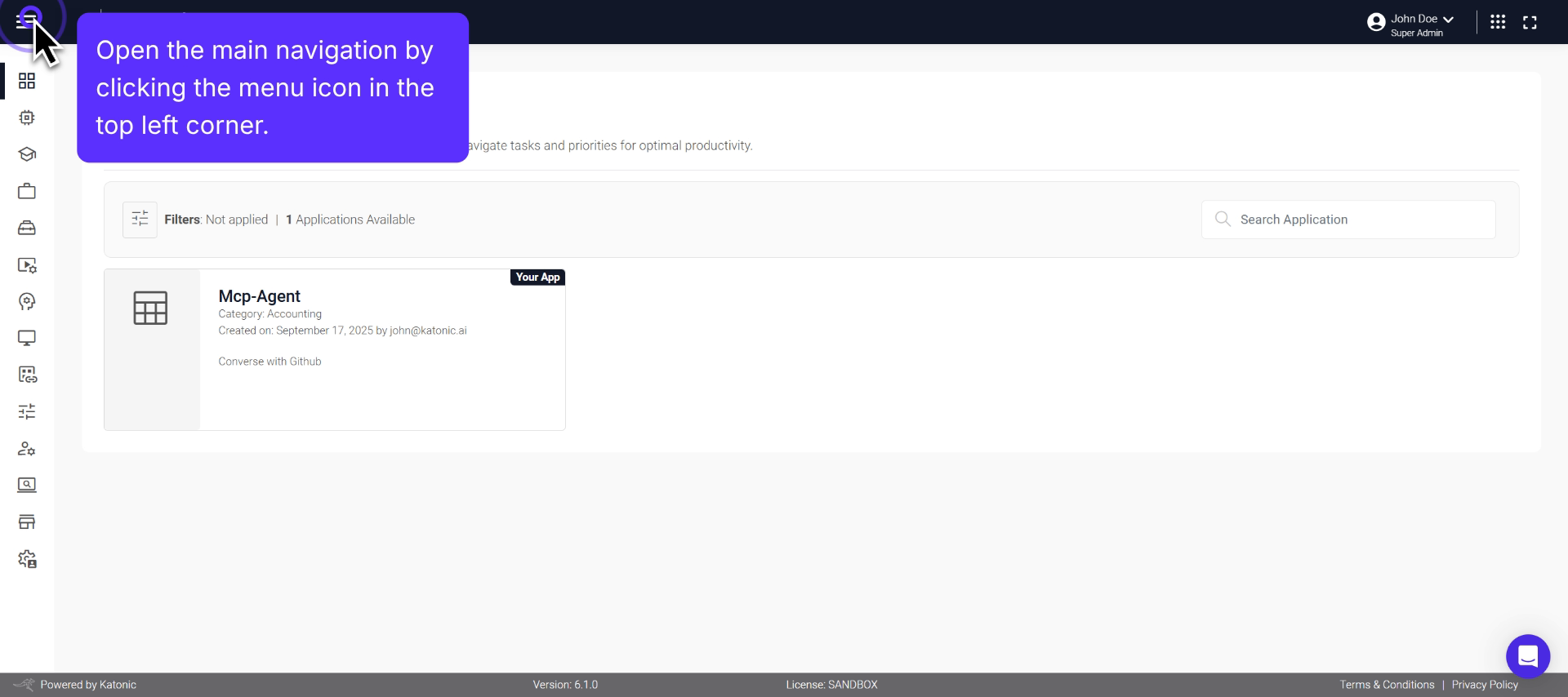
Step-by-step process to configure and customize your platform settings.
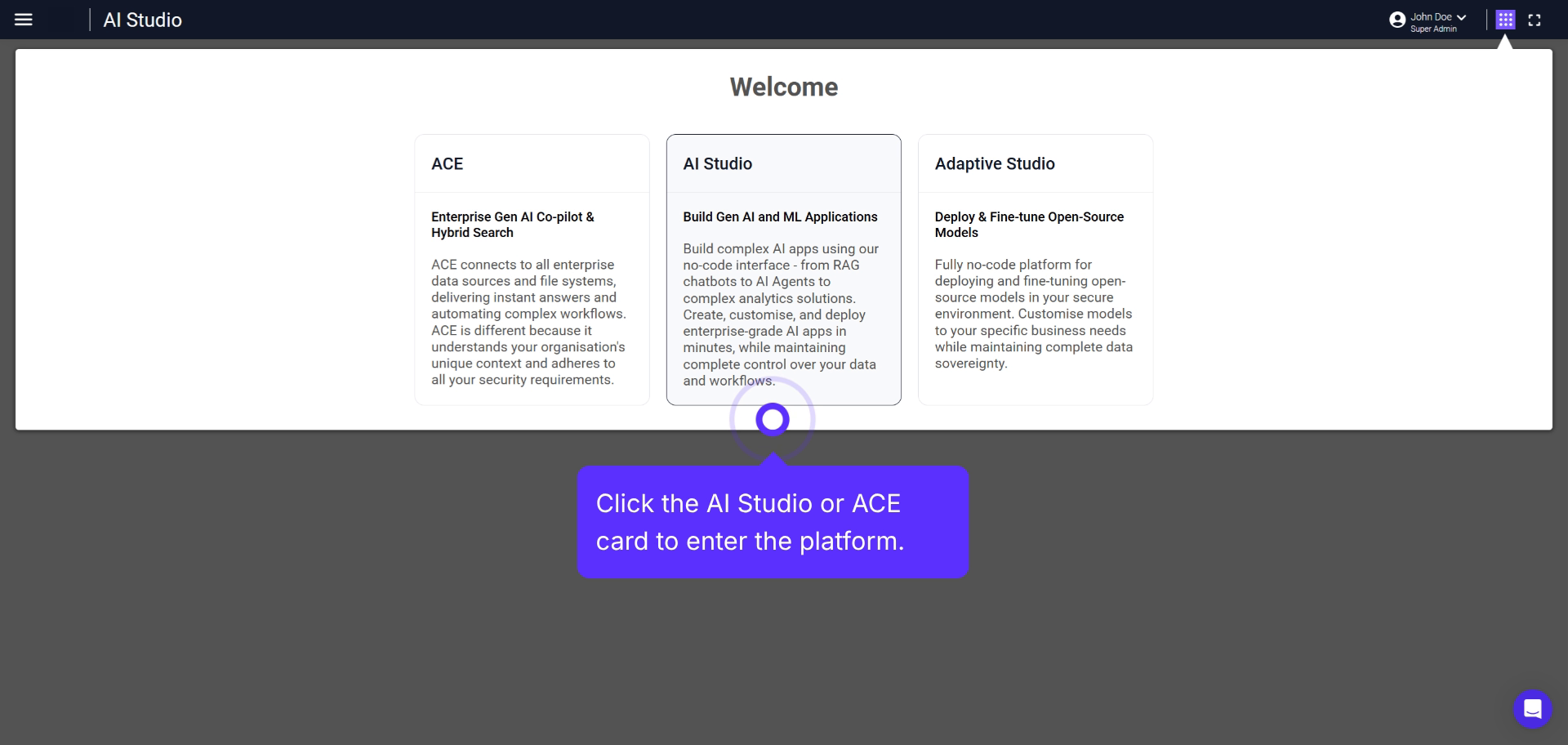
Comprehensive overview of accessing and managing platform license features.
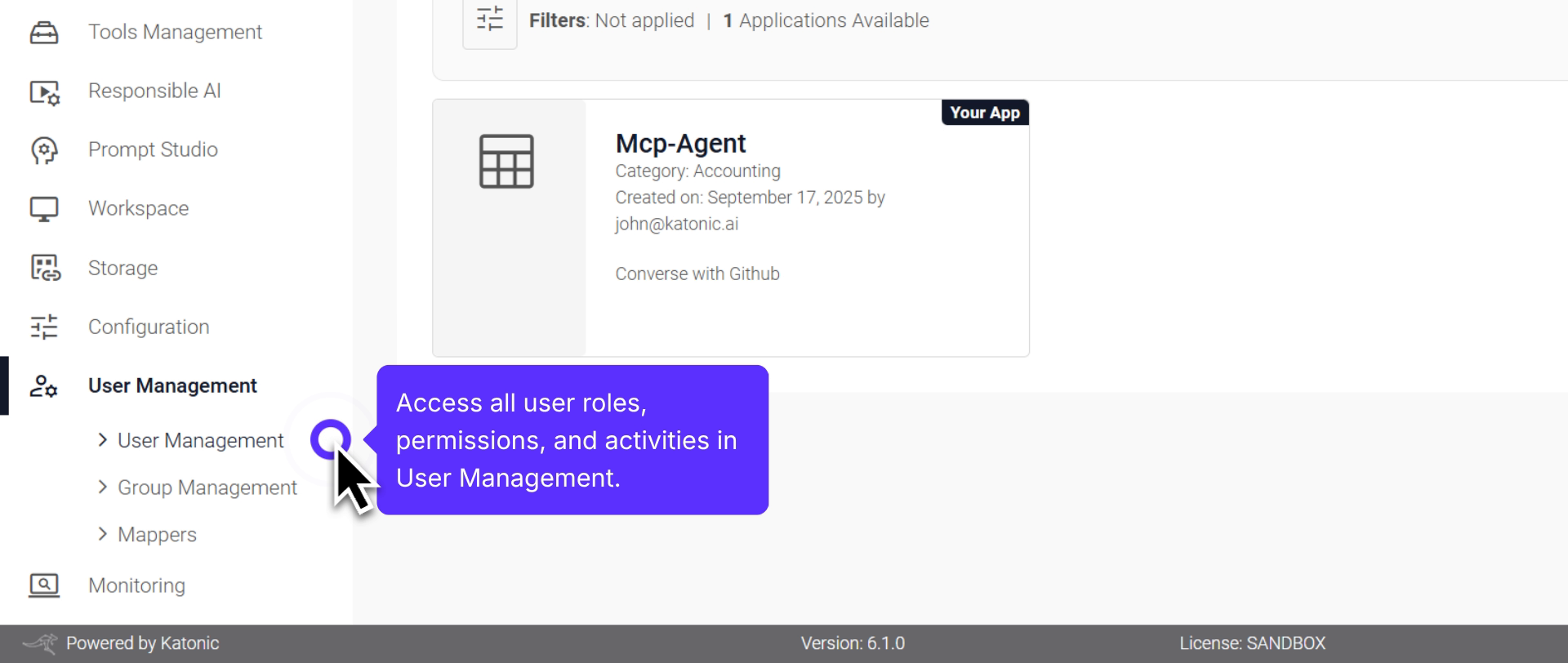
Process of managing user accounts, adjusting permissions, and managing roles.
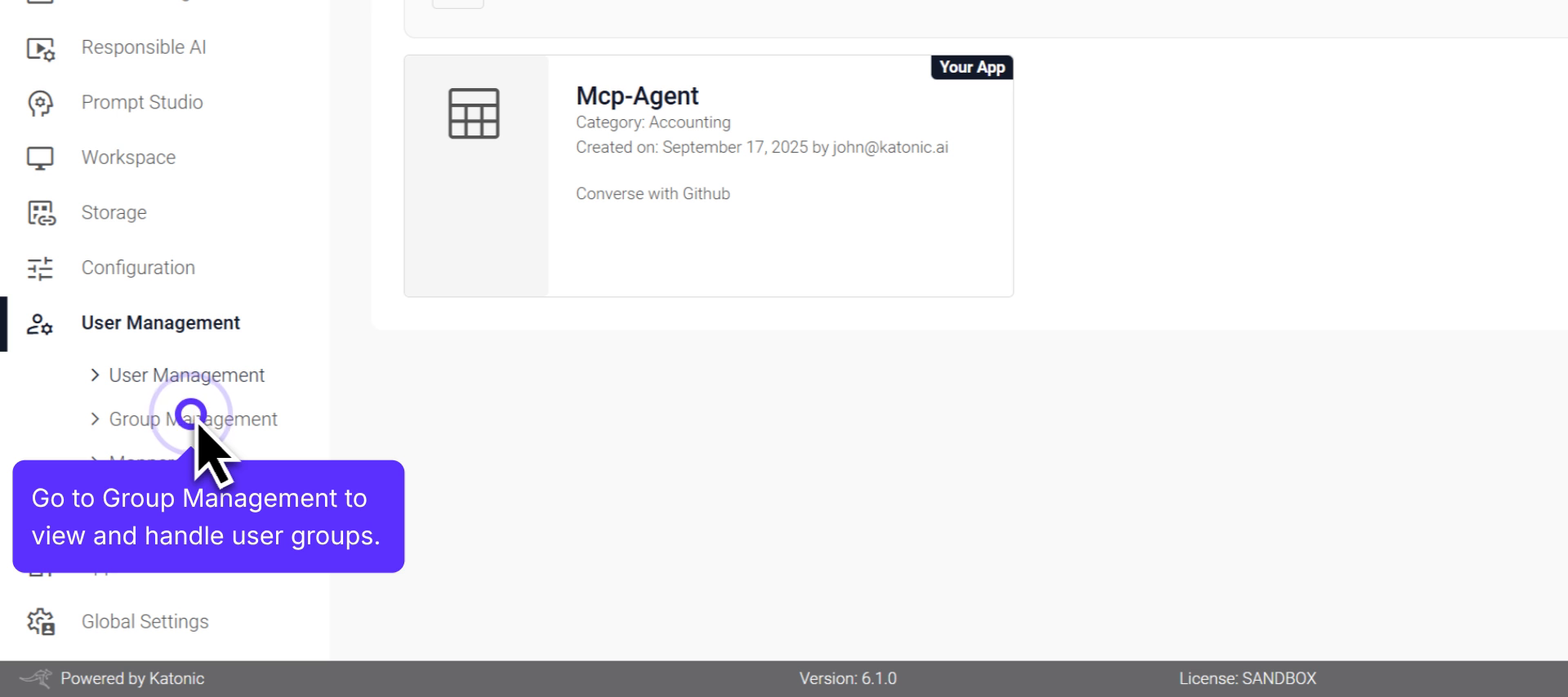
Detailed instructions on managing user groups effectively.
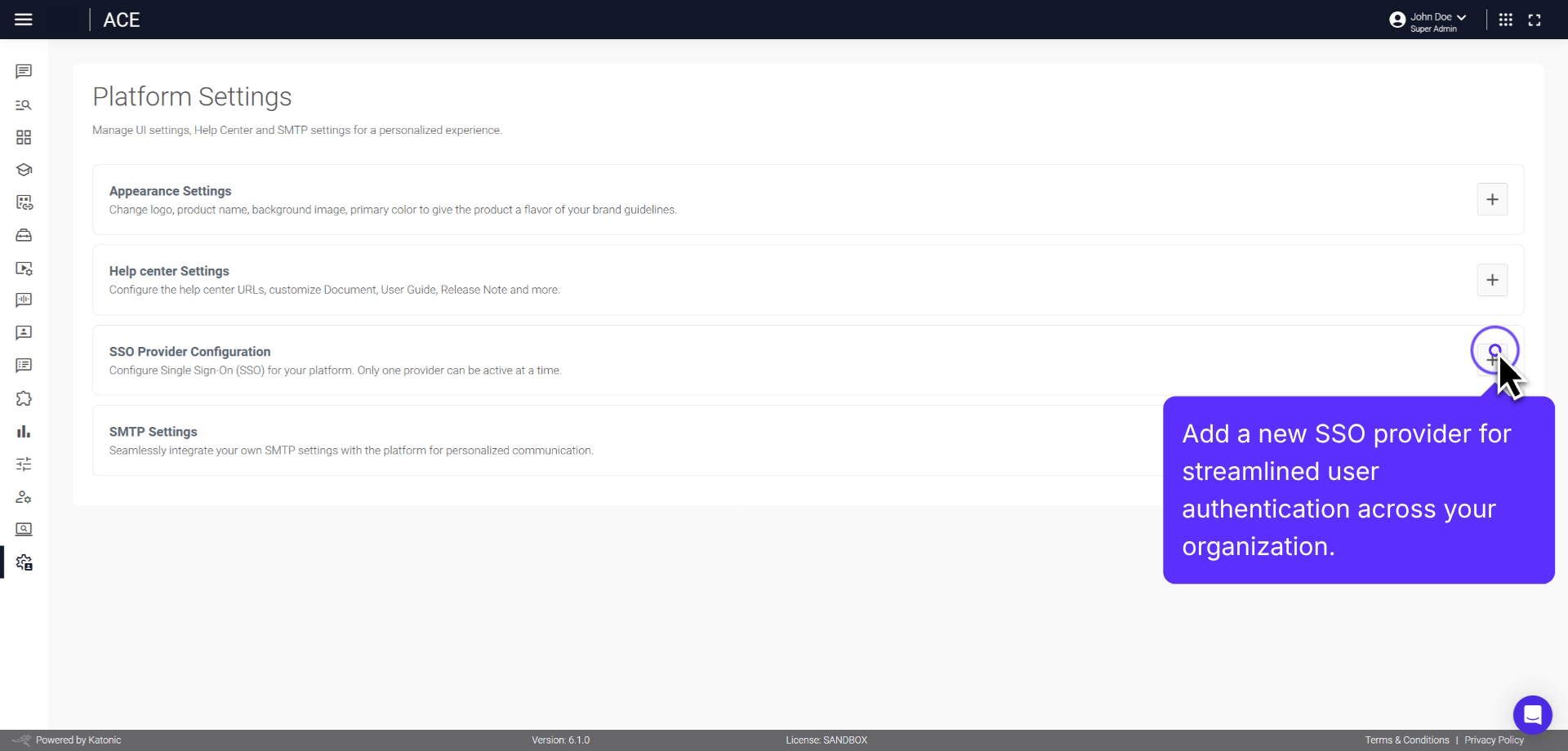
Configure a mapper that integrates with SSO to automatically assign users to groups.
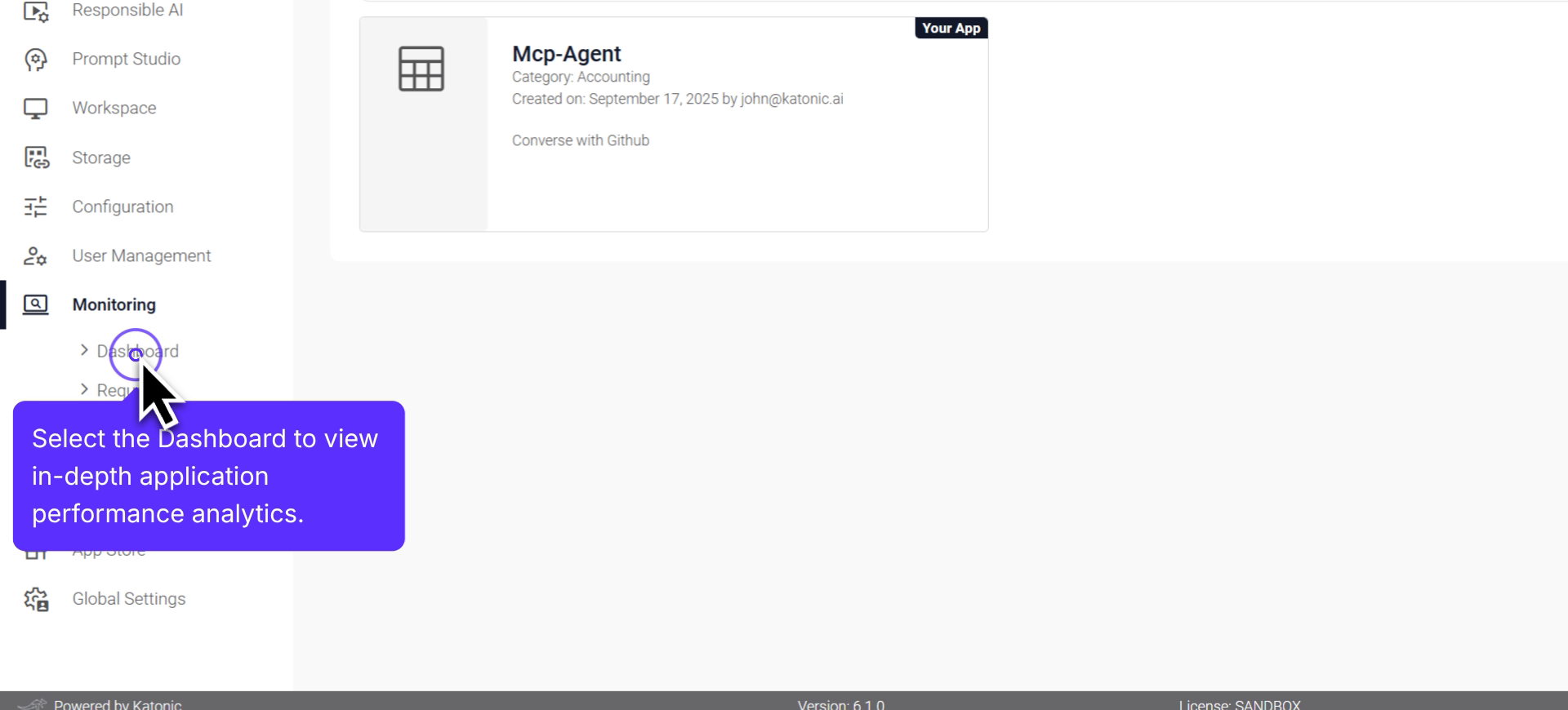
Real-time analytics on application performance and usage monitoring.
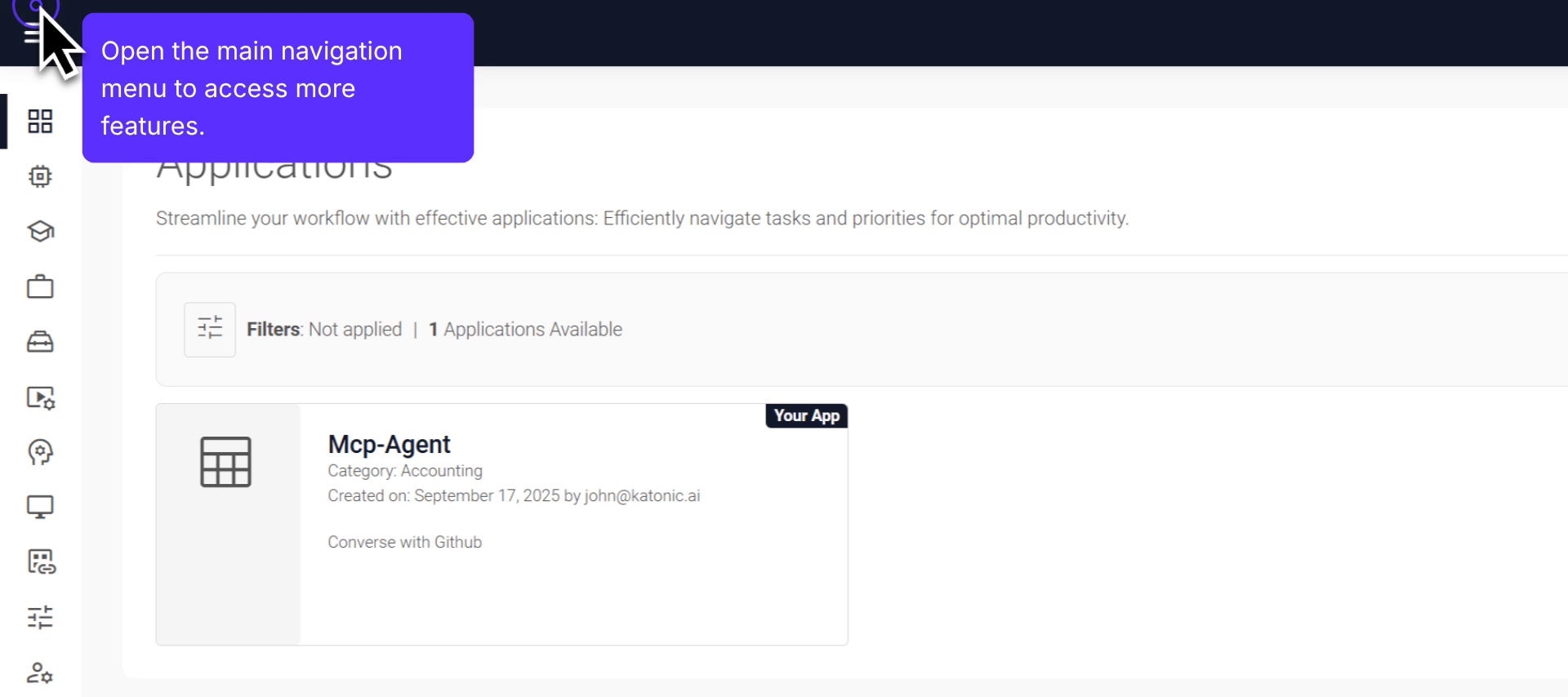
Detailed instructions on monitoring and managing application requests.
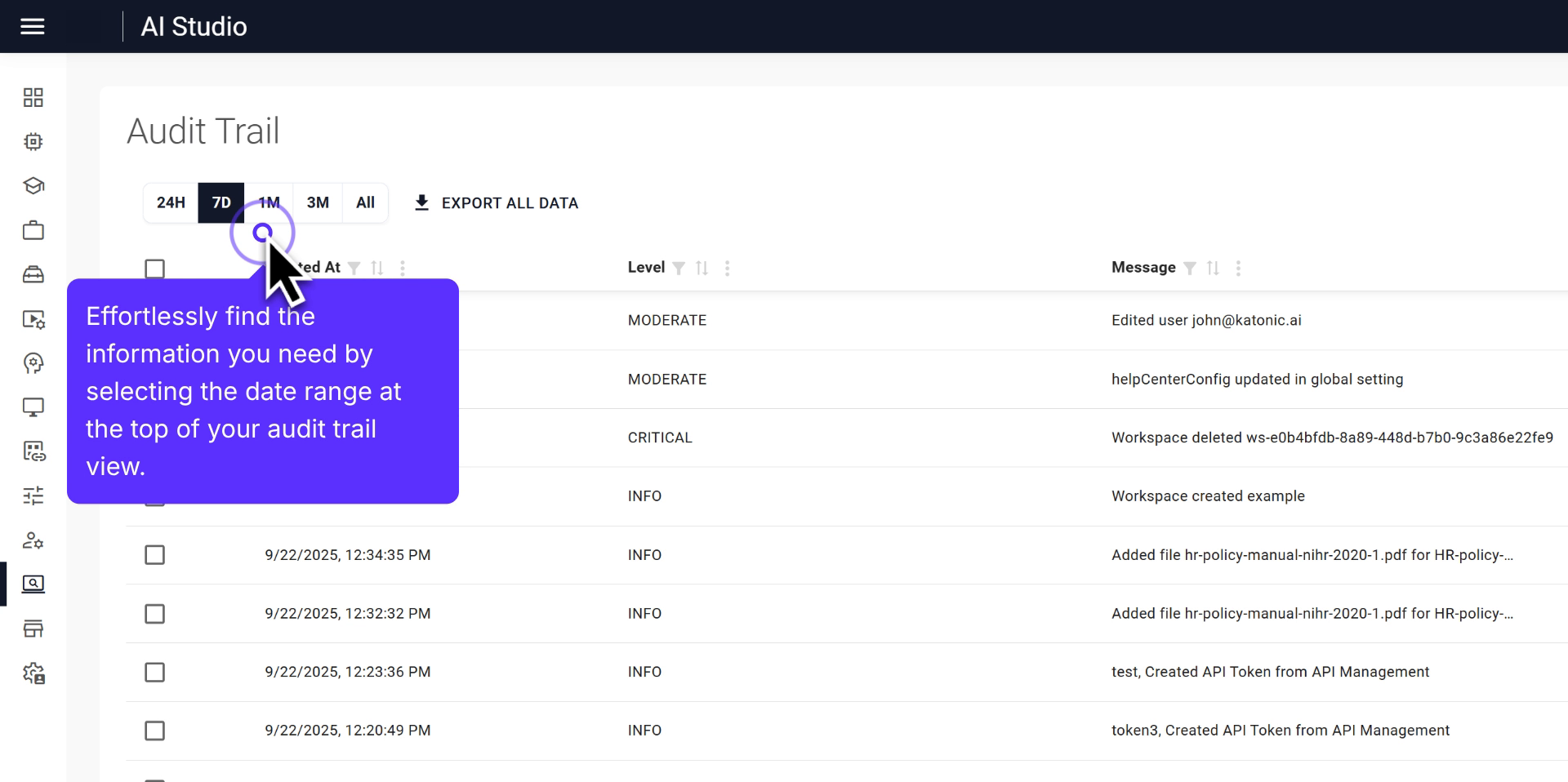
Guide on navigating and customizing the audit trail view within the platform.
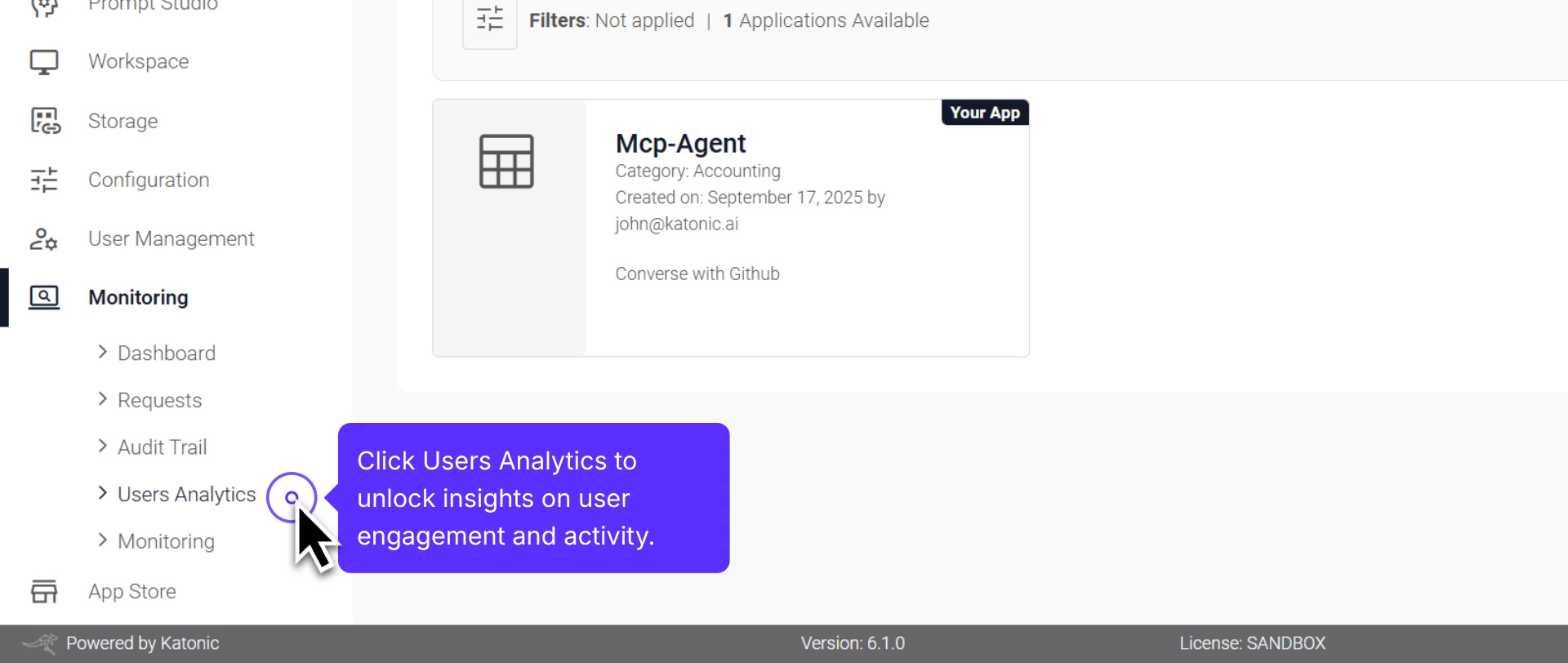
Navigate through data monitoring to access and download user engagement insights.
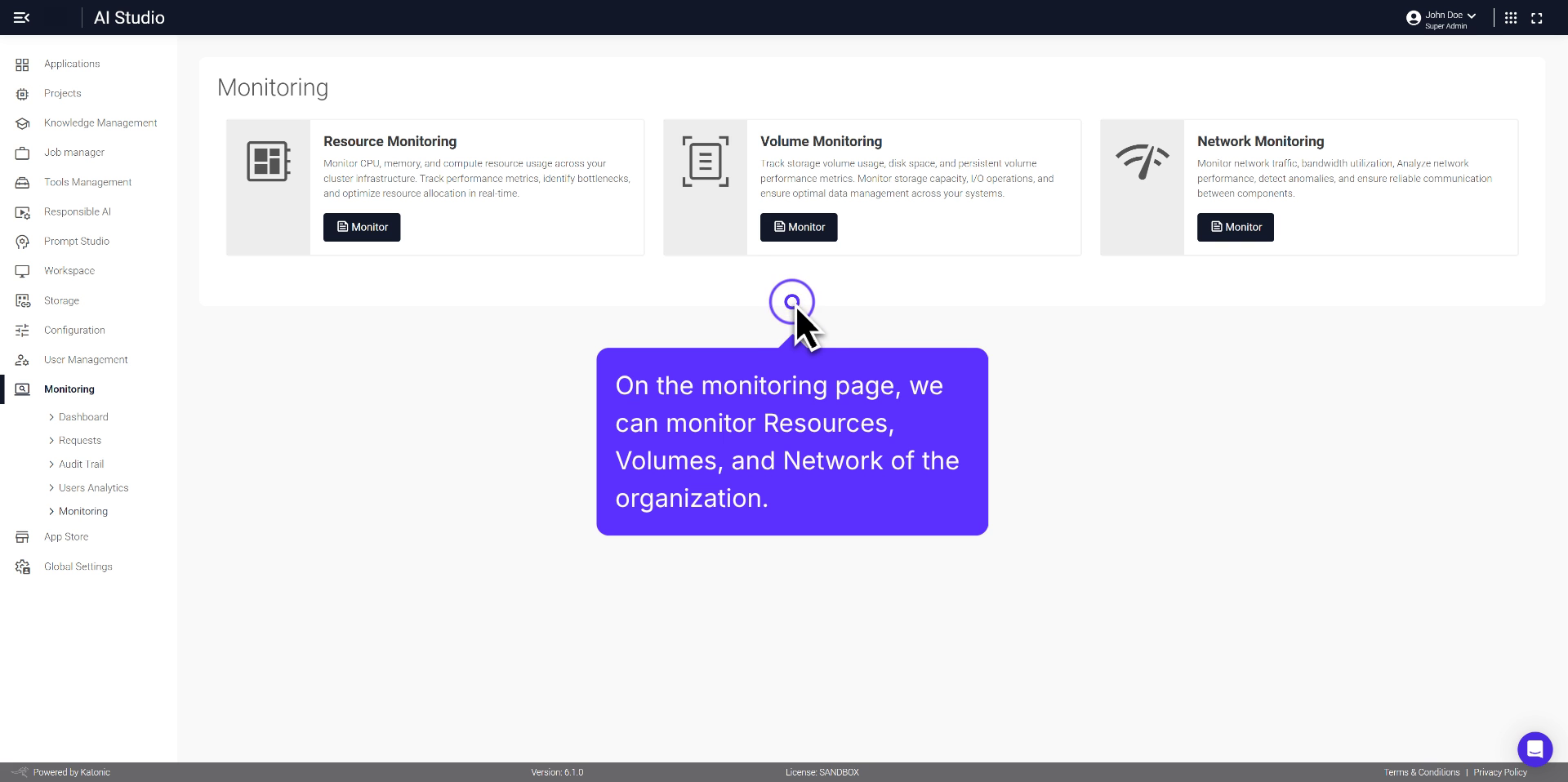
Comprehensive overview of monitoring resources, volumes, and network.
Book a demo to see the platform in action.